
Introduction
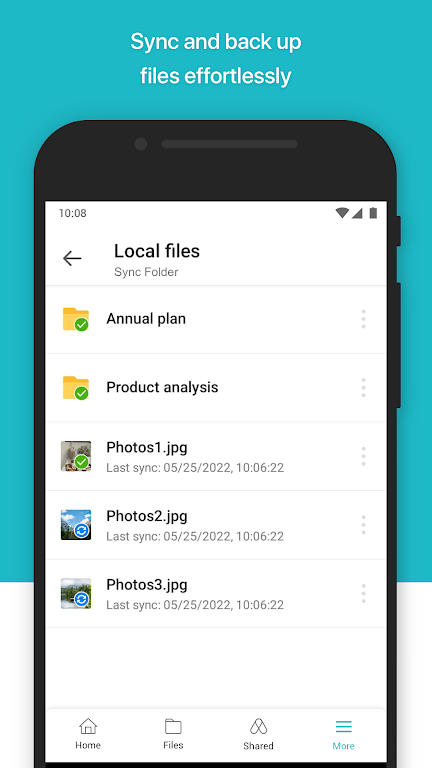
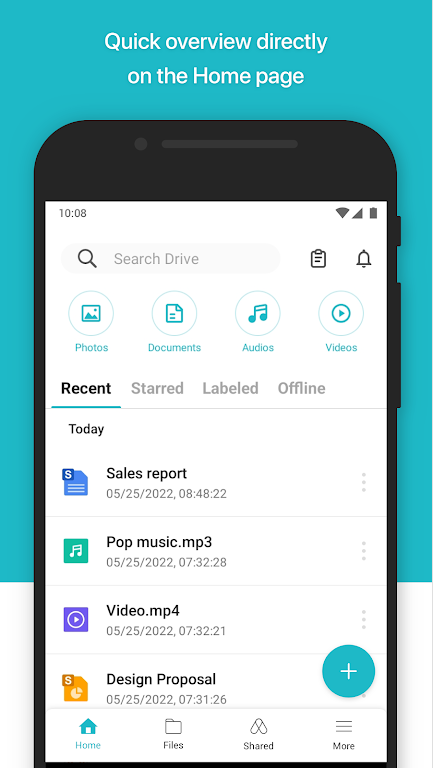
The Synology Drive App is a convenient tool for users who own a Synology NAS system, providing seamless access and management of files while on the go. With the ability to open a wide range of file types, including documents, images, videos, music, and Synology Office documents, spreadsheets, and slides, users can easily view and edit their files using the user-friendly viewer on their Android device. The app also offers features such as searching, sharing, moving, and applying labels to files, allowing users to stay organized and productive no matter where they are. Say goodbye to file management hassles with Synology Drive App.
Features of Synology Drive:
> User-Friendly Interface: The Android Drive app has a sleek and intuitive interface, making it easy for users to navigate and find the files they need quickly.
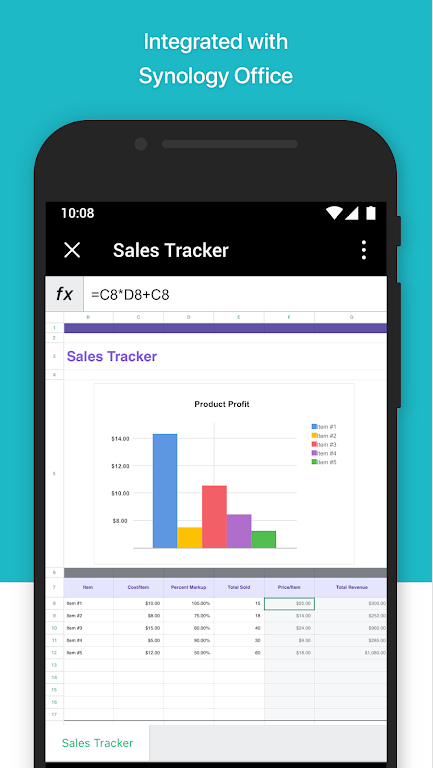
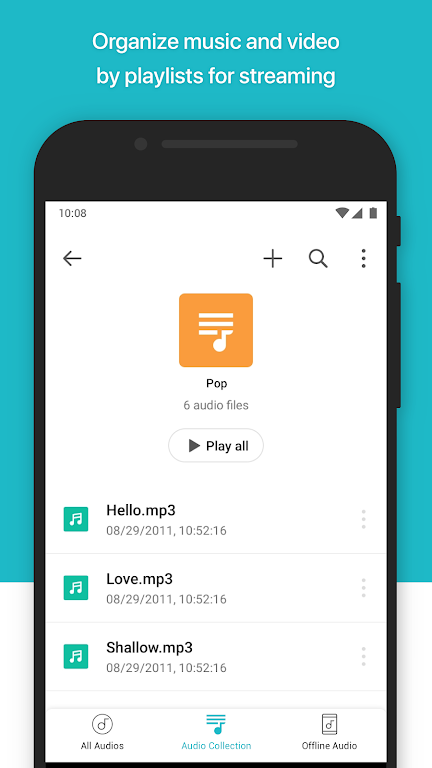
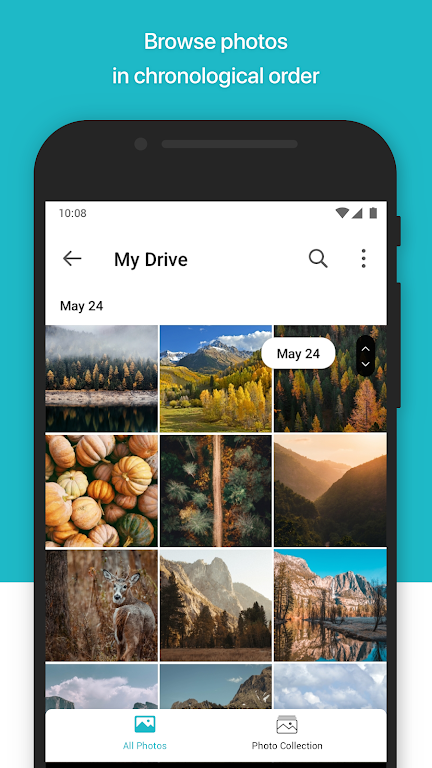
> Support for Various File Types: Users can access and manage a wide range of file types including documents, images, videos, music, and even Synology Office documents, spreadsheets, and slides.
> Seamless Integration with Synology Drive Server: By installing the latest Synology Drive Server, users can enjoy seamless integration with the Android Drive app, ensuring a smooth and efficient file management experience.
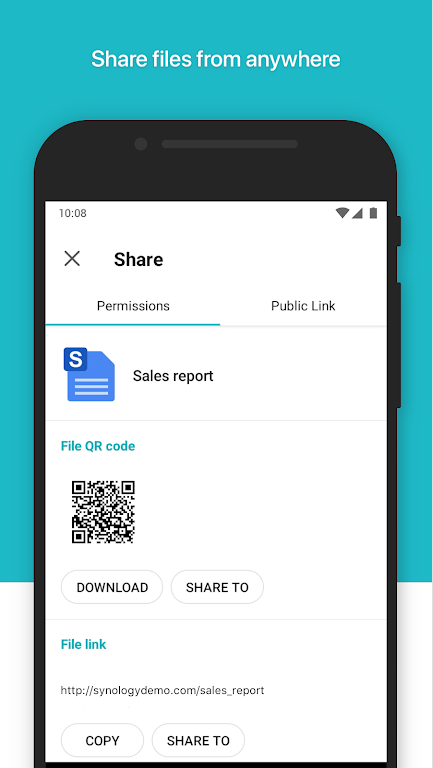
> Convenient File Management Features: The app offers a variety of handy features such as searching, sharing, moving, and applying labels to files, allowing users to stay organized and complete tasks efficiently on the go.
FAQs:
> Is the Android Drive app compatible with all Synology NAS devices?
- The Android Drive app is compatible with all Synology NAS devices, but users must ensure they have installed the latest Synology Drive Server to access all features.
> Can I open and edit Synology Office documents on the app?
- Yes, you can open and edit Synology Office documents, spreadsheets, and slides directly on the Android Drive app using the user-friendly viewer provided.
> Can I access my files offline?
- Yes, users can download files from Synology Drive to their Android device for offline access, ensuring that they can view and manage their files even without an internet connection.
Conclusion:
The Android Drive app is a powerful tool for users who own Synology NAS devices, offering a user-friendly interface, support for various file types, seamless integration with Synology Drive Server, and convenient file management features. Whether you need to access documents, images, videos, or Synology Office files on the go, the Android Drive app has you covered. Stay organized, productive, and efficient with the Android Drive app from Synology.
- No virus
- No advertising
- User protection
Information
- File size: 34.11 M
- Language: English
- Latest Version: 3.5.1
- Requirements: Android
- Votes: 358
- Package ID: com.synology.dsdrive
Screenshots
-
1
WhatsApp Business Mod
Download -
2

ChatOn – AI Chat Bot Assistant Mod
Download -
3
4English - Learn English Daily Mod
Download -
4
Any.do - To do list & Calendar Mod
Download -
5

Habitify: Daily Habit Tracker Mod
Download -
6

ANDI - Ai Search Engine
Download -
7

GitMind: AI Mind Map, Chatbot
Download -
8

ELSA AI Learn & Speak English
Download





Explore More
Office software is essential for work and study. The most popular and well-known ones are Microsoft Office and Kingsoft WPS, which are word processing software. However, the concept of office software is not limited to just these. Office software includes various types such as collaboration, communication, and note-taking. With so many options, which office software is the best? Here, we recommend some latest essential office software rankings for everyone.
View more

























You May Also Like





Comment
-
why can't it just present a list of folders, let you check them, and pick a target on the NAS? Currently I can only sync folders I create, Android won't allow me to select download, etc. Then what about Drive vs DS file? and don't get me started with Photo. The current options require too much effort to just make copies of your phone or sync files2025-08-15 14:19:00
-
Same as DS File. Very buggy app. Unusable Freezes. Locks up drive. Logins in only sometimes Additionally, it is called Synology Drive but only Drive once installed on Android. Very annoying when trying to search for the app. Going to simply use network browsing on PC to manage. Management on Android is non existant due to severe instability of app.2025-08-15 05:03:28
-
Contrary to other people expereiences, mine has been plain sailing ... well sort of. I had a lot of difficulty logging into the Synology NAS via the app initially. But worked out that it was my fault. However, Synology should have some form of documentation on how to login using the app. But back to the app. I find the app to be very quick to load. The biggest advantage is that the app can be protected with fingerprint security. Uploads work faster than uploads to OneDrive of gDrive. I can upload files and/or photos from the phone. Or download a file on the NAS to the phone. Personally, I like it and would recommend it to anyone who has a Synology NAS.2025-08-14 18:49:03
-
Same as so many others the ability to synchronise folders is a major issue. I'm not sure if Synology are reading the comments or taking any notice of the abysmally low score this app has, even the latest updates seem to ignore this gaping hole in the apps functionality. Can anyone suggest an Android app that might offer the right functionality, maybe if we point everyone to a rival app Synology might actually pay attention. Maybe not, these reviews must be driving hundreds of people away already2025-08-14 18:40:04
-
1000 listing cap is just ridiculous. This app should be in the level of professional especially in terms of management files and folders, No? basically I can't even look up for folder size, it does appear as - . the 1000 cap also appears on other app like DS file. And there's no way to look up for more than that. It needs more regularly updates by the developer.2025-08-14 05:41:51
-
Local download fails on almost every single file!2025-08-14 04:41:28