Introduction
Moonlight lets you stream games, applications, or your entire desktop from a PC to an Android device, combining low-latency input with high-resolution video so you can play or work remotely. Moonlight connects to a compatible host on your local network or across the Internet and forwards keyboard, mouse, and controller input back to the PC; because it streams content from hardware you already own, there are no subscription fees or in-app purchases. This introduction explains what to expect from the app, how controls and visuals are handled, and practical tips for getting stable, high-quality streams.
Key features and capabilities
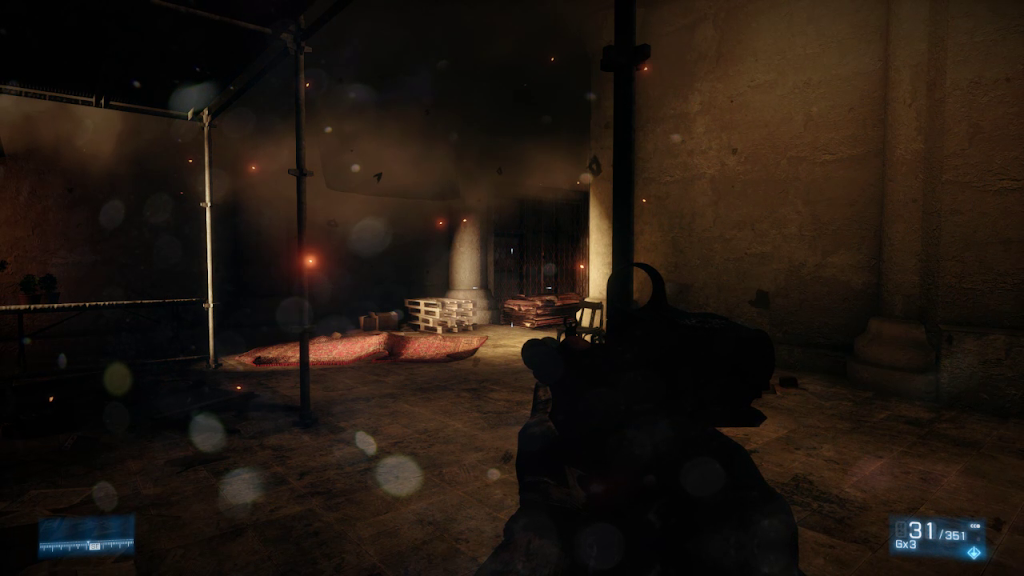
Moonlight is an open-source client that focuses on performance and flexibility. It supports streaming up to 4K at high frame rates when the host hardware and network allow, and offers surround audio passthrough when supported by the host and client. The app handles multiple industry codecs including H.264 and HEVC, and it can use AV1 encoding where a compatible GPU is available on the host side. It is engineered to work on both local area networks and over the wider Internet, so the same setup can power in-home streaming, remote access to desktop software, or multi-controller couch play.
Controls and input options
Input handling is a central part of the Moonlight experience. The client forwards a wide range of inputs from the Android device to the PC in real time: hardware gamepads are broadly supported, keyboard and mouse work especially well on newer Android releases, and stylus or S-Pen input can be used for drawing or precise pointer control. Motion sensors and force feedback are supported on devices and hosts that expose those capabilities, and the app allows you to tweak sensitivity and mapping so touch overlays and gamepads feel consistent. For local co-op, multiple controllers can be connected to a single client device and mapped to different players on the host system.
Performance, latency, and network tips
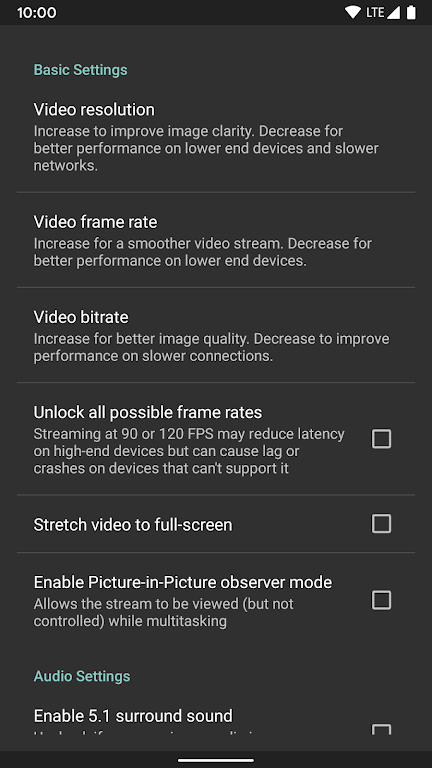
Streaming quality depends on three pillars: host performance, client hardware, and network conditions. For best results use a wired Ethernet connection on the host and a 5 GHz Wi-Fi or wired connection for the client when possible; mobile LTE can work for remote play but will typically introduce higher latency and variable bitrate. If you notice lag or compression artefacts, reducing target resolution or frame rate and closing background tasks on the host often improves responsiveness. Battery consumption can be high during extended sessions, so consider an external power source for long remote play periods.
Visual quality and codec considerations
The app supports multiple codecs to balance quality and performance: H.264 provides wide compatibility, HEVC enables higher efficiency and HDR workflows when the host can encode HEVC Main 10, and AV1 is available where host GPUs support it for maximum compression efficiency. HDR streaming requires an HDR-capable display or an HDR-enabled pipeline on the host; note that some HDR modes also need an HDR display attached to the PC. When configuring streams, prioritize the codec and resolution that match your host GPU and the client display to avoid unnecessary downscaling or color mismatch.
User experience, customization, and accessibility
Moonlight aims to be flexible across devices and user needs. The interface exposes options to save controller profiles, adjust touch overlay layouts, and create performance presets so you can switch quickly between maximum quality and low-latency configurations. Many Android accessibility settings—such as system magnification, screen readers, and input assistance—remain usable while streaming, and the app’s control mapping can be adjusted to accommodate different physical abilities or preferred input styles. These customization choices extend replay value by letting you tailor sessions for different games, productivity apps, or collaborative local play.
Limitations, privacy, and practical notes
There is no offline play available because Moonlight streams from a host PC in real time; the client itself does not emulate or run games locally. Performance will vary with network reliability and host capabilities, and some advanced features such as AV1 encoding or HDR require specific host GPUs and driver support. The project is open-source, so technical documentation, source code, and setup guides are published by the community; consult those resources if you need help pairing clients and hosts, configuring codecs, or troubleshooting input mapping issues.
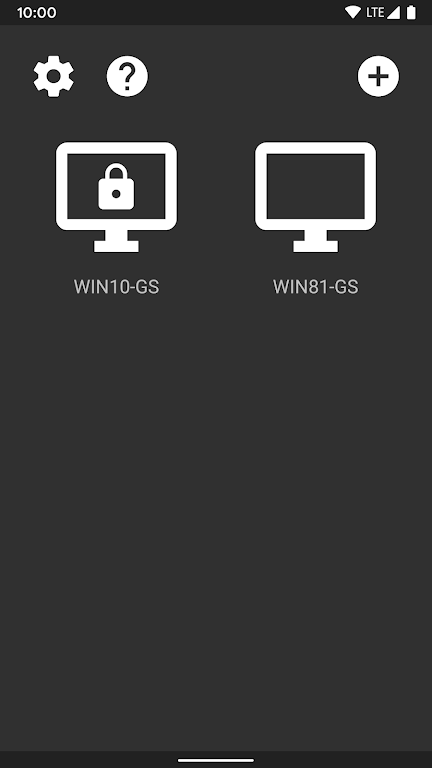
Getting started usually involves installing the compatible host software on your PC, pairing your Android device, and choosing a quality profile that fits your network. Moonlight is designed to give you a high-quality, low-latency remote desktop and gaming experience without paywalls, while offering enough customization to adapt to a wide range of devices and playstyles.
- No virus
- No advertising
- User protection
Information
- File size: 6.50 M
- Language: English
- Latest Version: 12.1
- Requirements: Android
- Votes: 288
- Package ID: com.limelight
- Developer: Cameron Gutman
Screenshots










Explore More
Discover and download the latest system software of 2024 at high speed for free. Explore multidimensional rankings and references to help you choose the best system software. Rest assured, all software has undergone rigorous security checks and virus scans for your safety.
View more