Introduction
Typing Practice is a mobile game designed to help players improve typing speed and accuracy on phones and tablets through short, game-like sessions. Typing Practice uses familiar emoji graphics and simple, focused mechanics to create a friendly practice environment that suits casual players, students, and anyone who wants to sharpen touchscreen typing skills. The app centers on repeatable drills and measurable progress, making it straightforward to pick up for a five-minute session or to play several rounds in a single sitting.
Key features
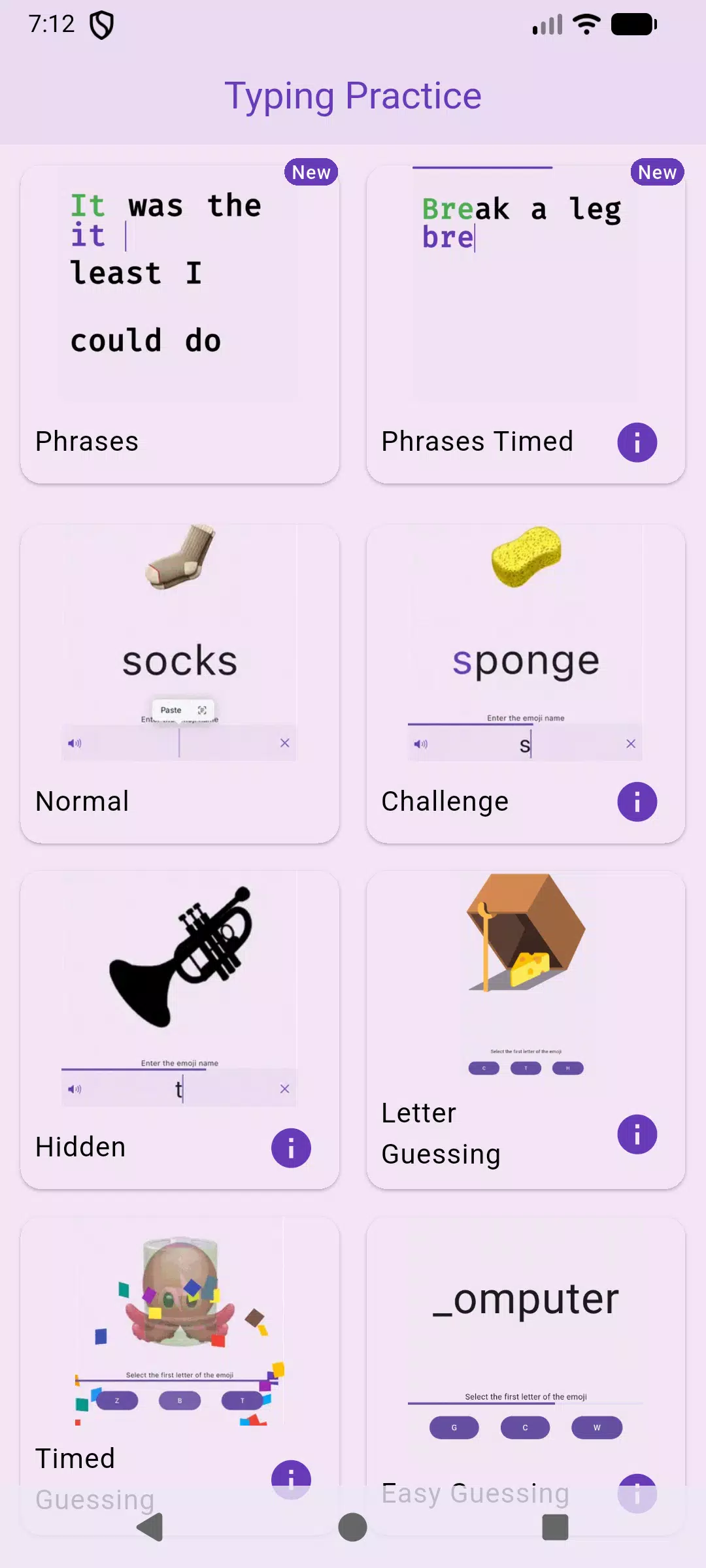
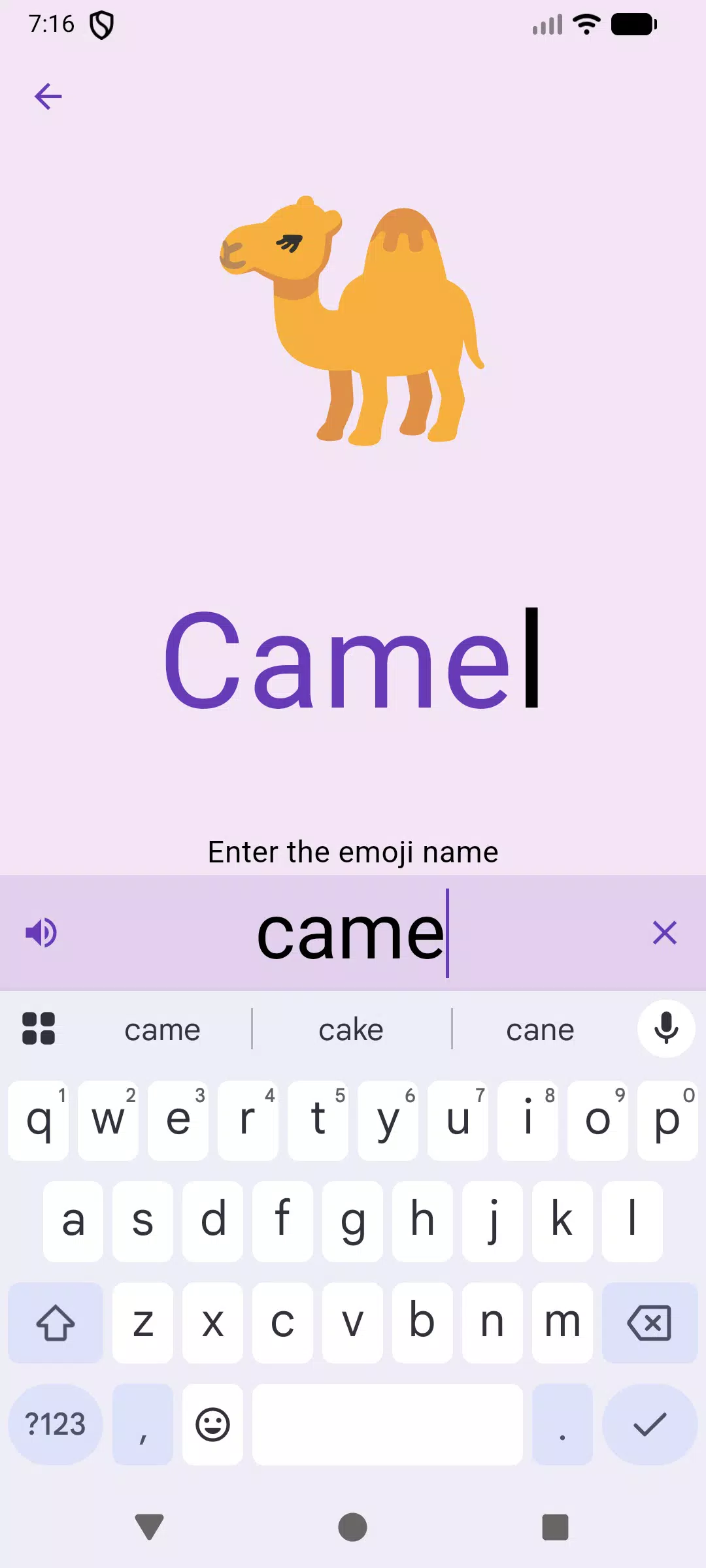
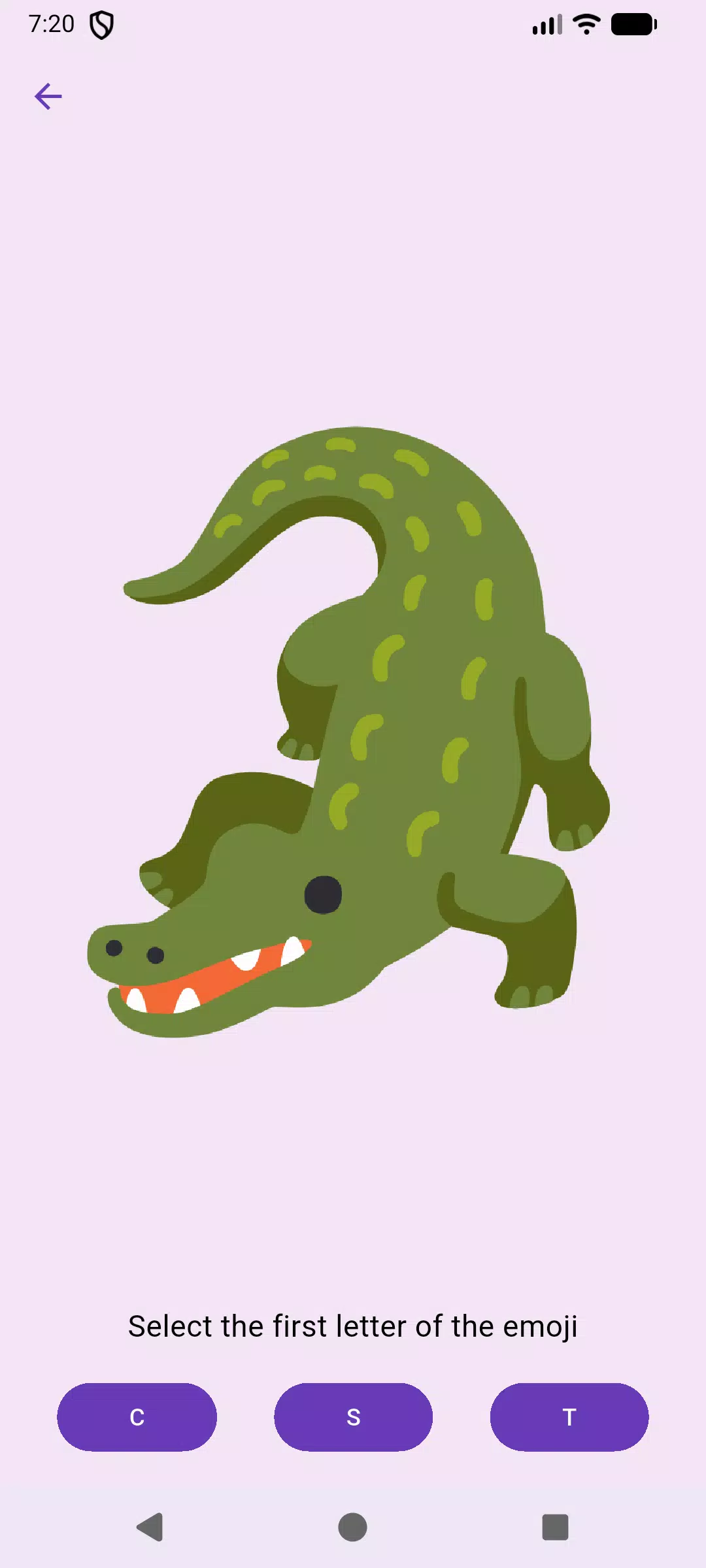
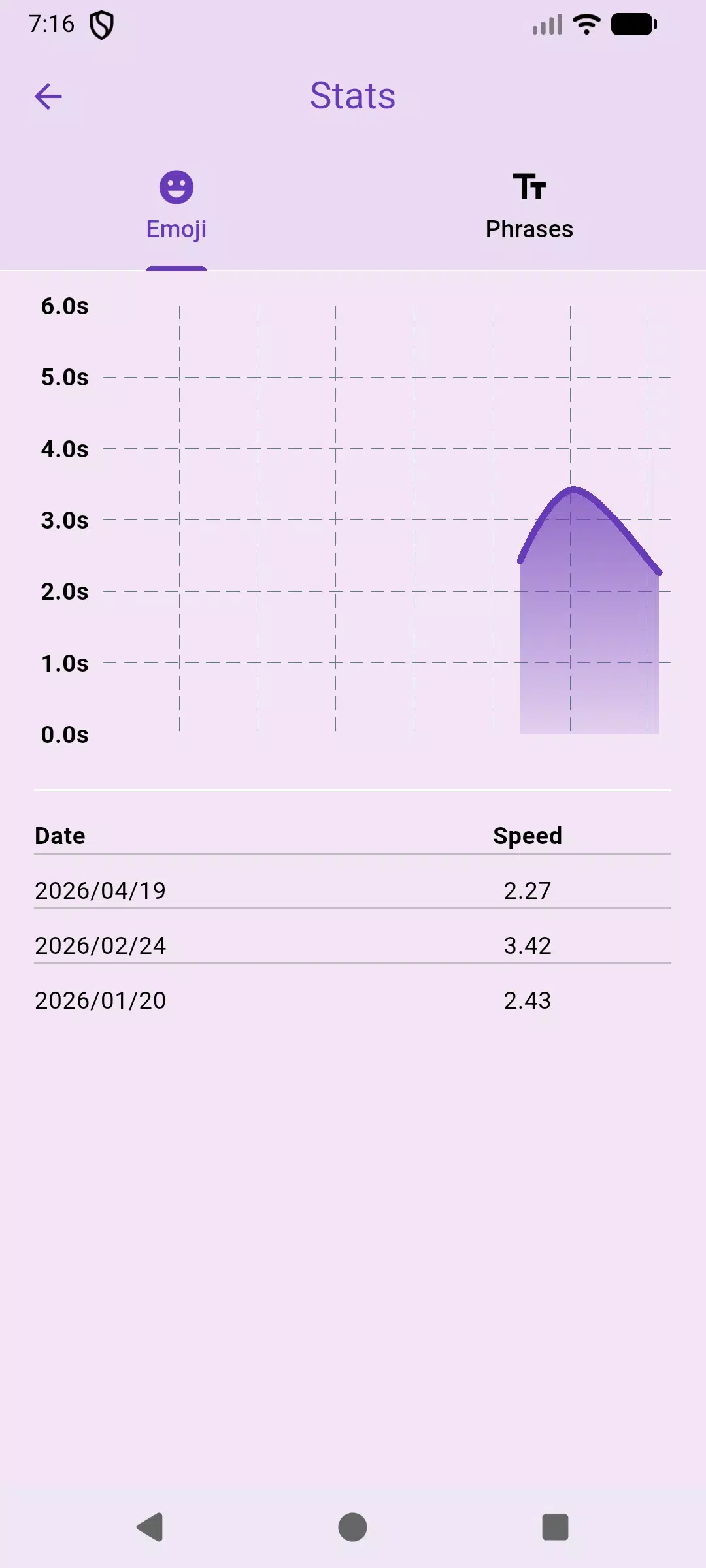
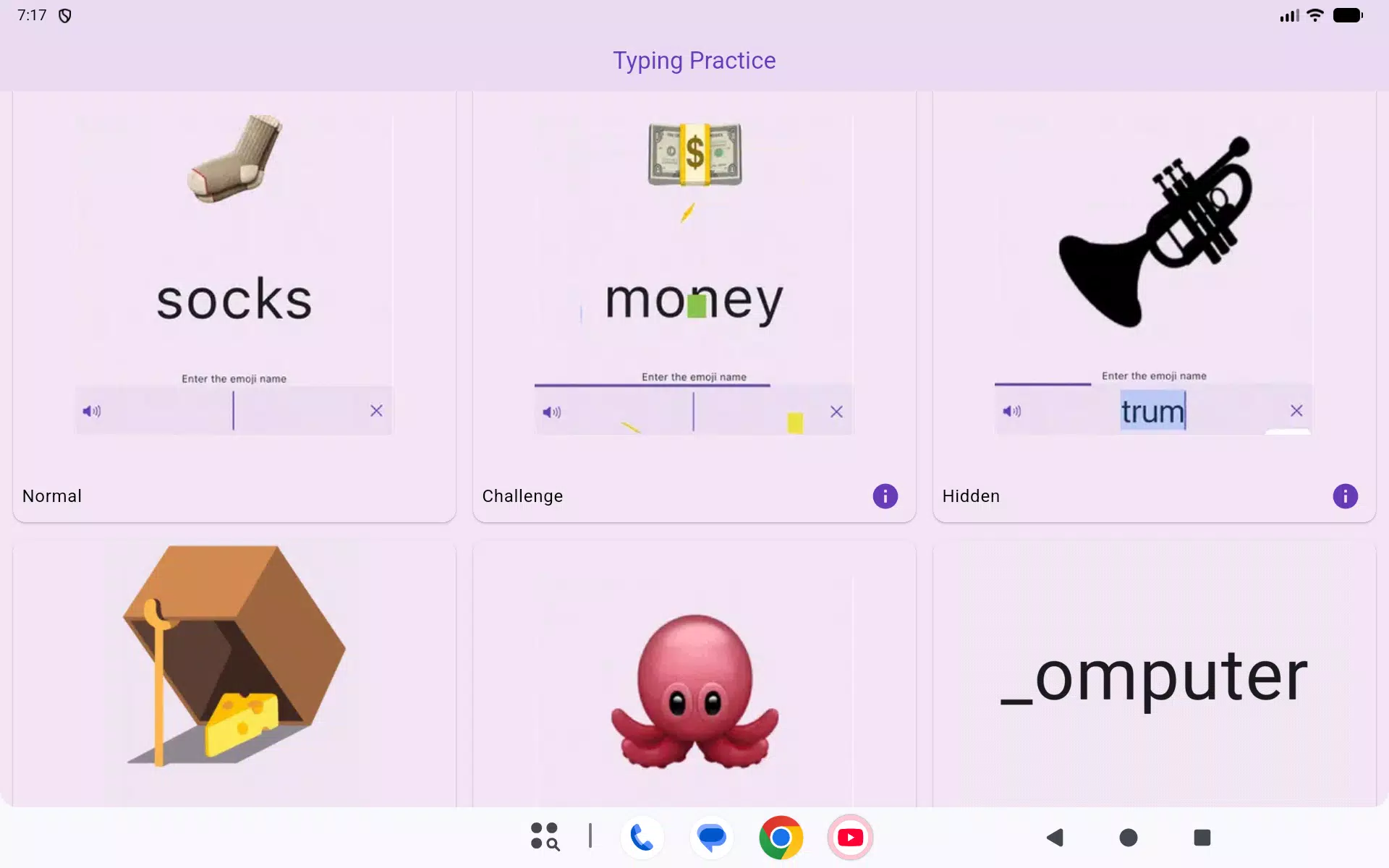
The core experience is built around multiple game modes that emphasize either speed, precision, or a balance of both. An in-game stats screen records session history and shows improvement over days, giving players clear feedback on words-per-minute and accuracy trends. Visual targets use emoji-style icons to make practice approachable, while adjustable session lengths let you choose short bursts or longer practice blocks. The overall design prioritizes low friction: quick access to modes, immediate feedback after each run, and a compact interface that works well on small screens.
Gameplay mechanics
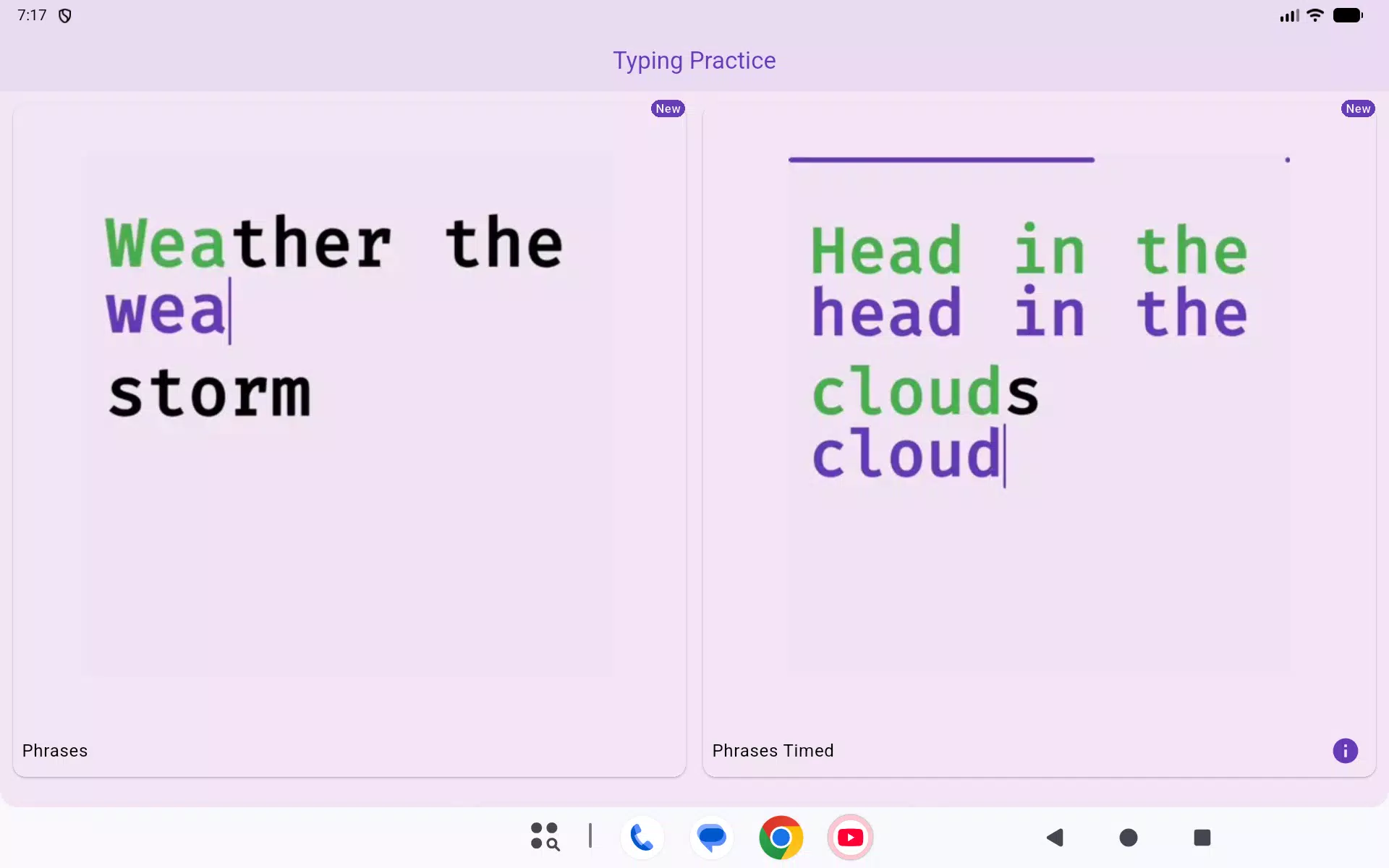
Gameplay mixes timed drills, accuracy challenges, and relaxed practice rounds. In a timed mode you aim to type as many correct characters as possible before the clock runs out; in precision drills you must reach accuracy thresholds to advance; and in relaxed practice the emphasis is on error correction and consistent rhythm rather than speed. Targets appear in predictable and randomized sequences so you can train both memorized patterns and reactive typing. Scoring favors clean input, with small combo rewards for consecutive correct characters to encourage steady typing rather than frantic tapping.
Controls and accessibility
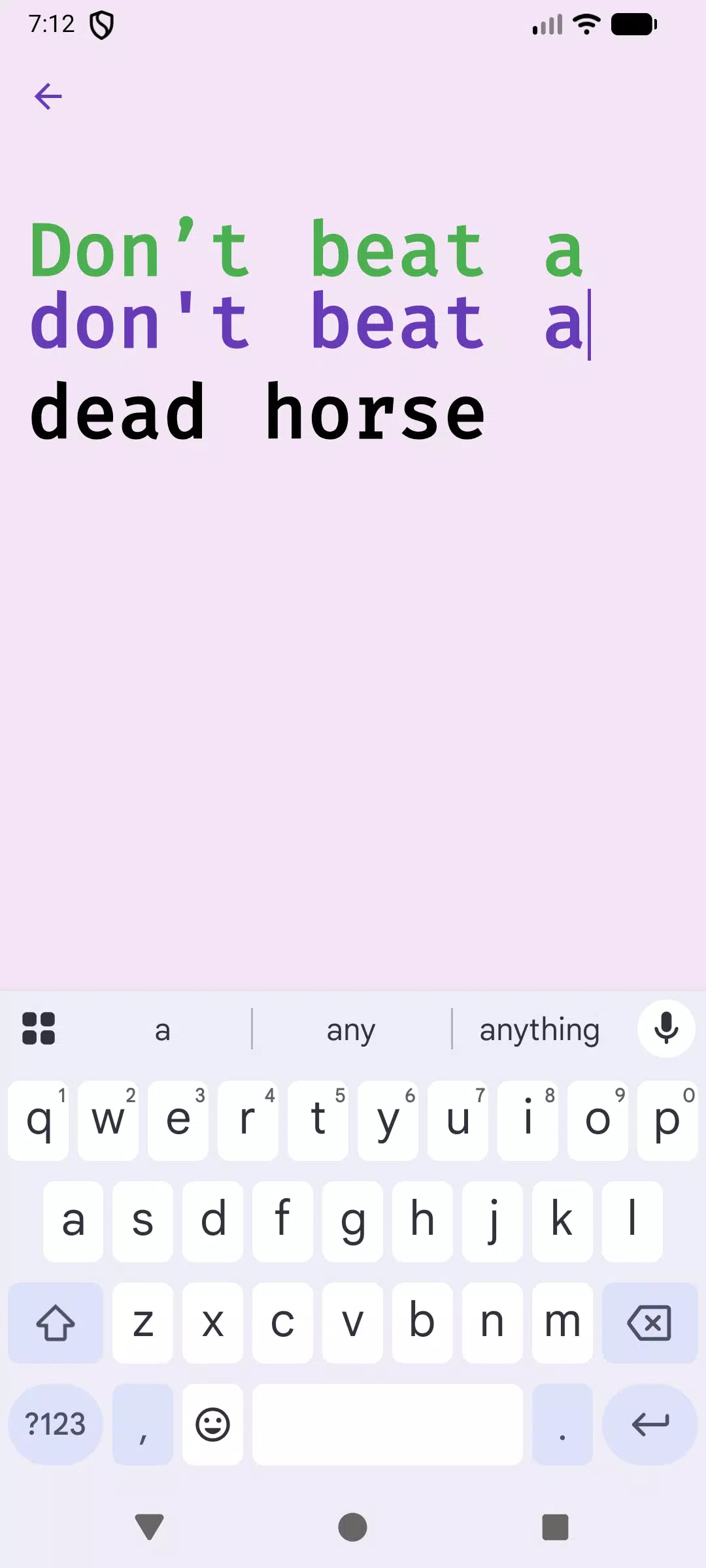
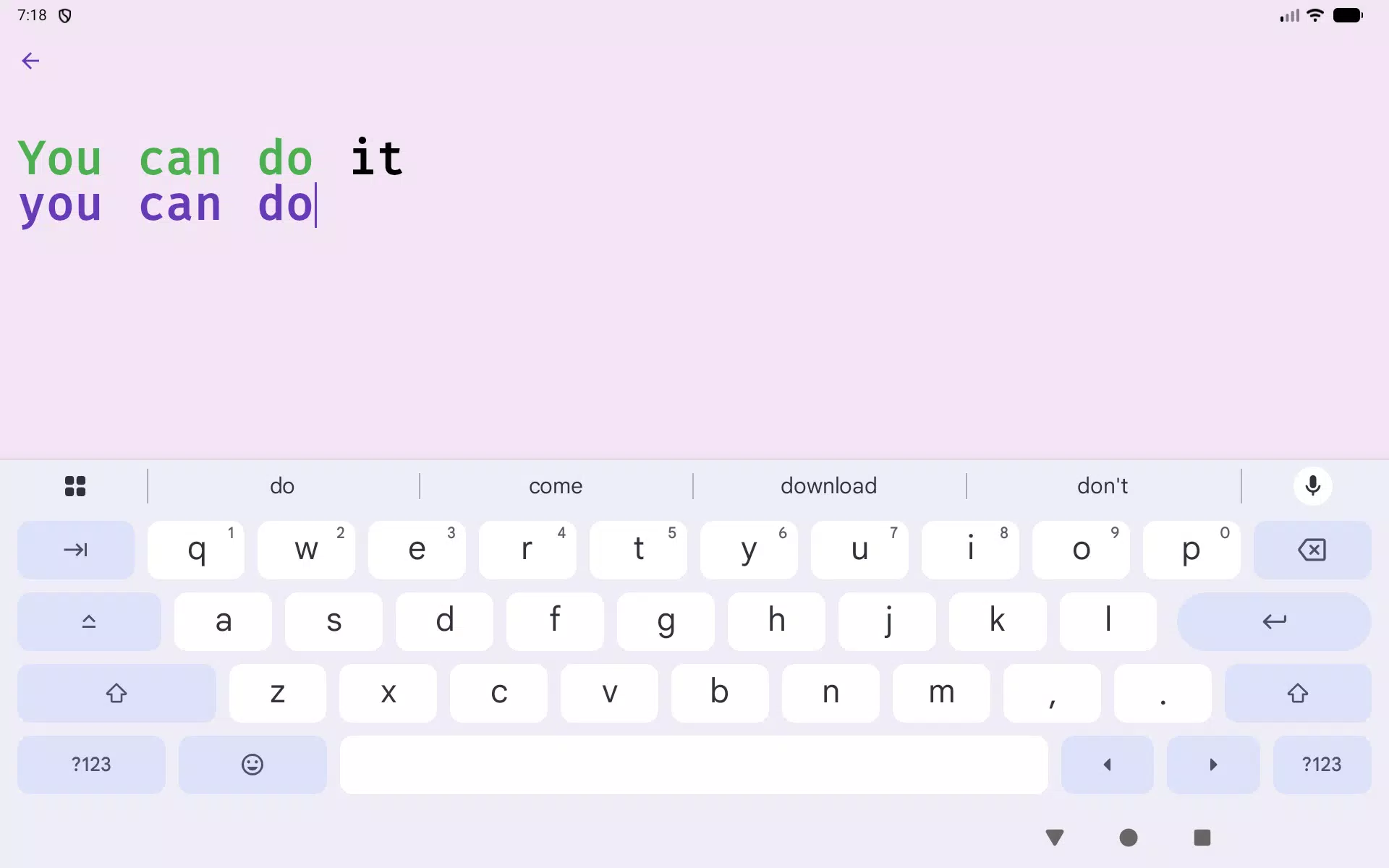
The app is designed for touchscreen typing: you use your device’s standard on-screen keyboard to enter characters while the game presents target letters, words, or symbols. Controls are intentionally simple so the learning curve is minimal. Accessibility options include adjustable font sizes, color contrast settings, and options to disable or reduce animations. Sound and haptic feedback can be toggled independently to suit different environments, and on-screen prompts explain each mode so new players can begin practicing without long tutorials.
Progression and statistics
Progression is handled locally through the built-in stats screen that tracks daily performance metrics such as average speed, best single-run performance, and accuracy percentages. Session history allows you to compare recent runs and spot trends over time. The app encourages steady improvement with small, incremental targets you can set for yourself, such as increasing average accuracy by a few percentage points or shaving seconds off a timed drill. All progress and settings are stored on the device so you can review them offline at any time.
Level structure and challenge systems
Levels and difficulty are organized around short modules that gradually increase the challenge: early levels focus on common letters and simple words, intermediate levels introduce less frequent characters and tighter time limits, and advanced drills test accuracy under pressure. Challenges are designed to be repeatable so players can return to a level to improve a personal best. Randomized sequences within levels keep practice varied and help prevent memorization of a single pattern, which supports transferable improvements to everyday typing on mobile devices.
Customization, replay value and offline play
Customization centers on visual and session preferences rather than core gameplay changes: you can switch between emoji sets, change color themes, and adjust the length and difficulty of drills to match your goals. Because the game is optimized for short sessions, it naturally supports frequent replay and gradual skill building without long commitments. Typing Practice works fully offline for the core training modes and stats tracking, so you can practice on the go without an internet connection and still see reliable progress reports.
User experience and visual style
The visual style favors clarity and a low-pressure atmosphere: emoji-inspired graphics provide friendly visual cues while the interface keeps the most important controls within easy reach. Tutorials and in-game hints are concise and contextual, helping new players understand mechanics without interrupting practice. Overall, Typing Practice aims to be a practical, approachable tool for improving touchscreen typing through varied drills, clear feedback, and a comfortable, accessible design.
- No virus
- No advertising
- User protection
Information
- File size: 33.10 M
- Language: English
- Latest Version: 1.9.3
- Requirements: Android
- Votes: 468
- Package ID: com.hasankadhemdev.typing_practice
- Developer: Hasan Kadhem
Screenshots







Explore More
Small games that help pass the time have evolved into a plethora of cool and refreshing experiences that allow us to briefly immerse ourselves without getting addicted, providing us with plenty of enjoyment even if we can only play them for a short while sometimes.

Swipe and Wipe
Daily Words

Street Racing Idle

The half-demon Malevola Clicker

Puzzle Beauty Mosaic
Pandeiro Instrument

2020: Apocalypse Puzzle Block

Junior H Música Piano Juegos