
Introduction
DMS Uploader is a mobile tool for uploading documents to your document management system. DMS Uploader lets you choose files from local storage or connected cloud providers, add or edit metadata, and send documents securely to a configured server. The app supports batch uploads, resumes interrupted transfers, and reports per-file status so you can track results.
Key features
Secure file transfer using TLS encryption and configurable endpoints. Batch upload and background processing reduce interruptions during work. File preview and metadata editing are available before sending. Automatic resume for interrupted uploads and per-file progress tracking show upload status. Configurable network and notification settings let you adjust behavior for your environment.
How it works
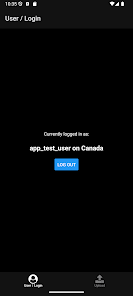
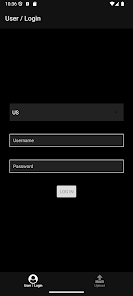
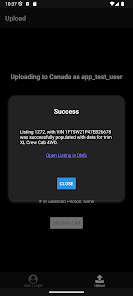
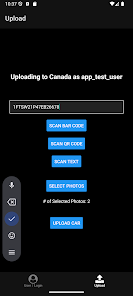
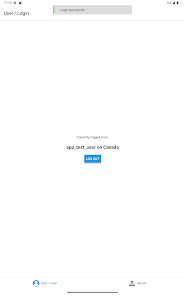
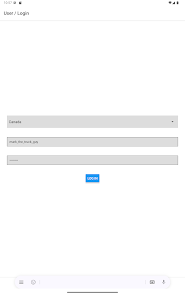
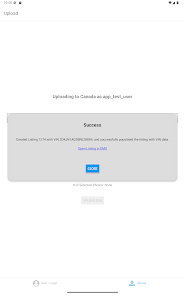
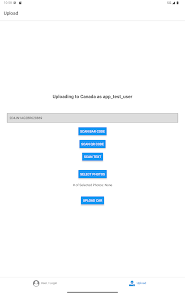
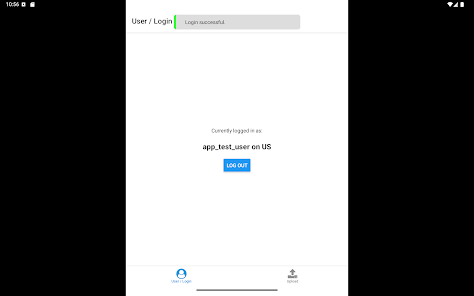
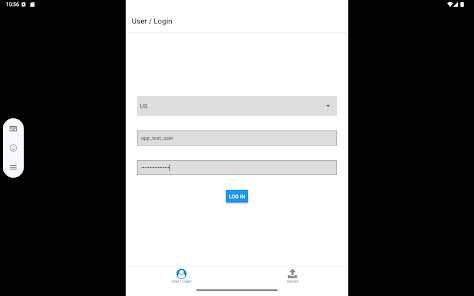
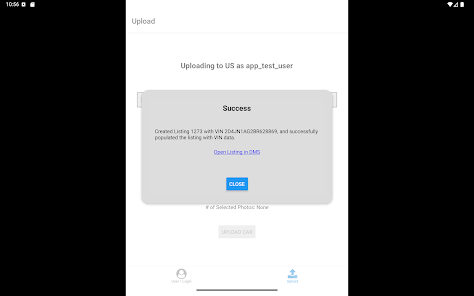
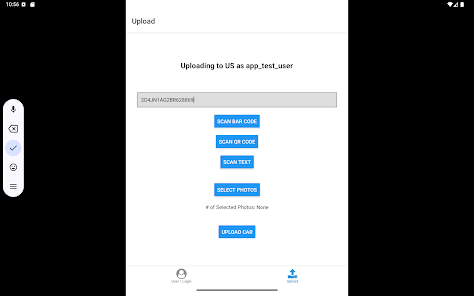
Enter your server address and credentials, select files, edit optional metadata, then start the upload. The app validates files, uploads in the background, and logs results so you can review successes or errors within the app. DMS Uploader keeps a record of each transfer and provides status details to help troubleshoot failed uploads.
Compatibility and support
DMS Uploader runs on Android devices and requires network access and the appropriate server credentials. For setup help, use the in-app help screens or contact your IT administrator for endpoint and authentication details.
- No virus
- No advertising
- User protection
Information
- File size: 87.00 M
- Language: English
- Latest Version: 2.1.0
- Requirements: Android
- Votes: 86
- Package ID: com.dmscomplete.dmsuploader
- Developer: DMS Complete
Screenshots
















Explore More
Discover and download the latest system software of 2024 at high speed for free. Explore multidimensional rankings and references to help you choose the best system software. Rest assured, all software has undergone rigorous security checks and virus scans for your safety.

Chinese cooking recipes game

Parallel

AirConsole

PicklePlay

MotiveMate

Moonlight

Monitora View

Agrotti