
Introduction
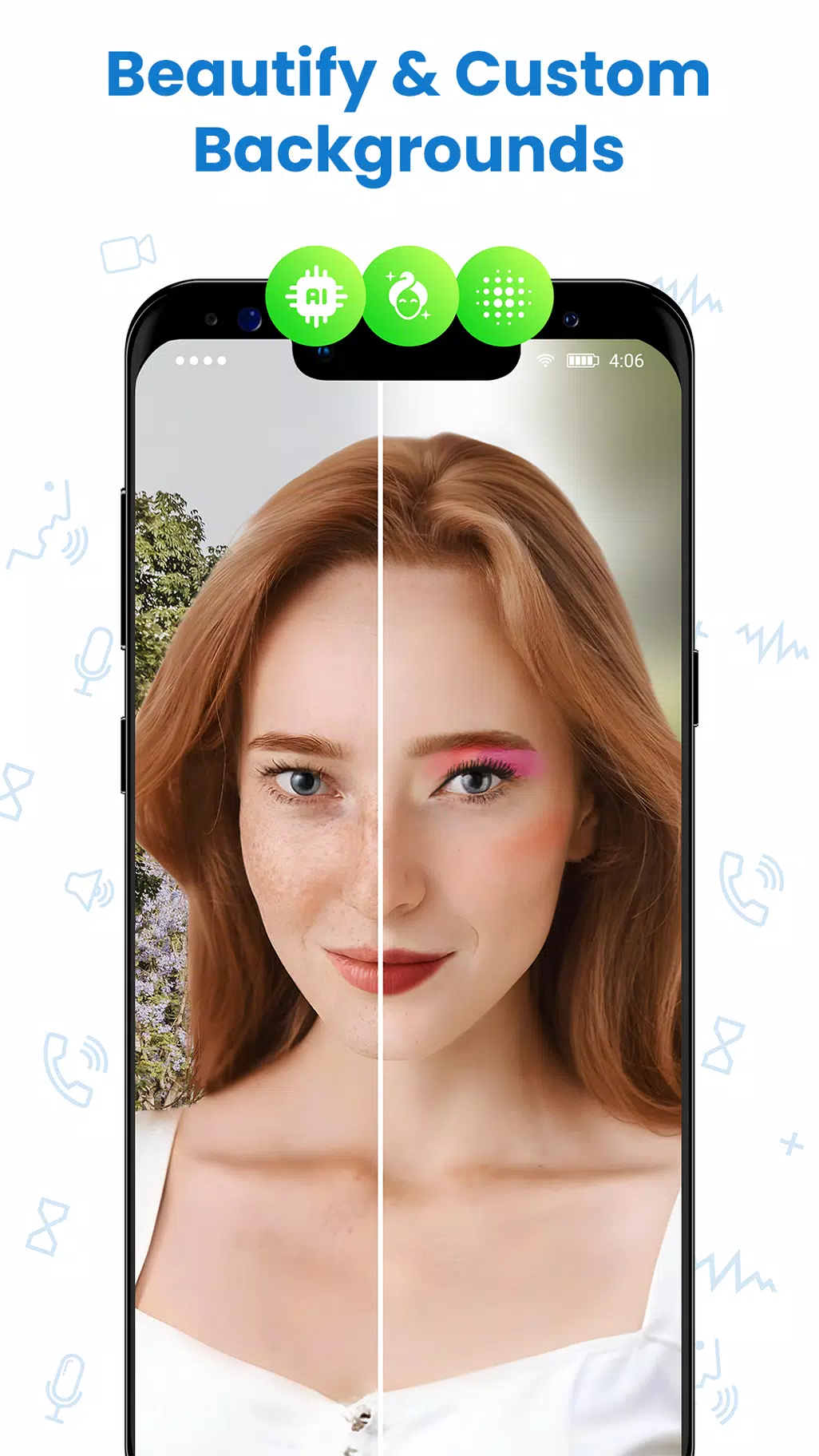
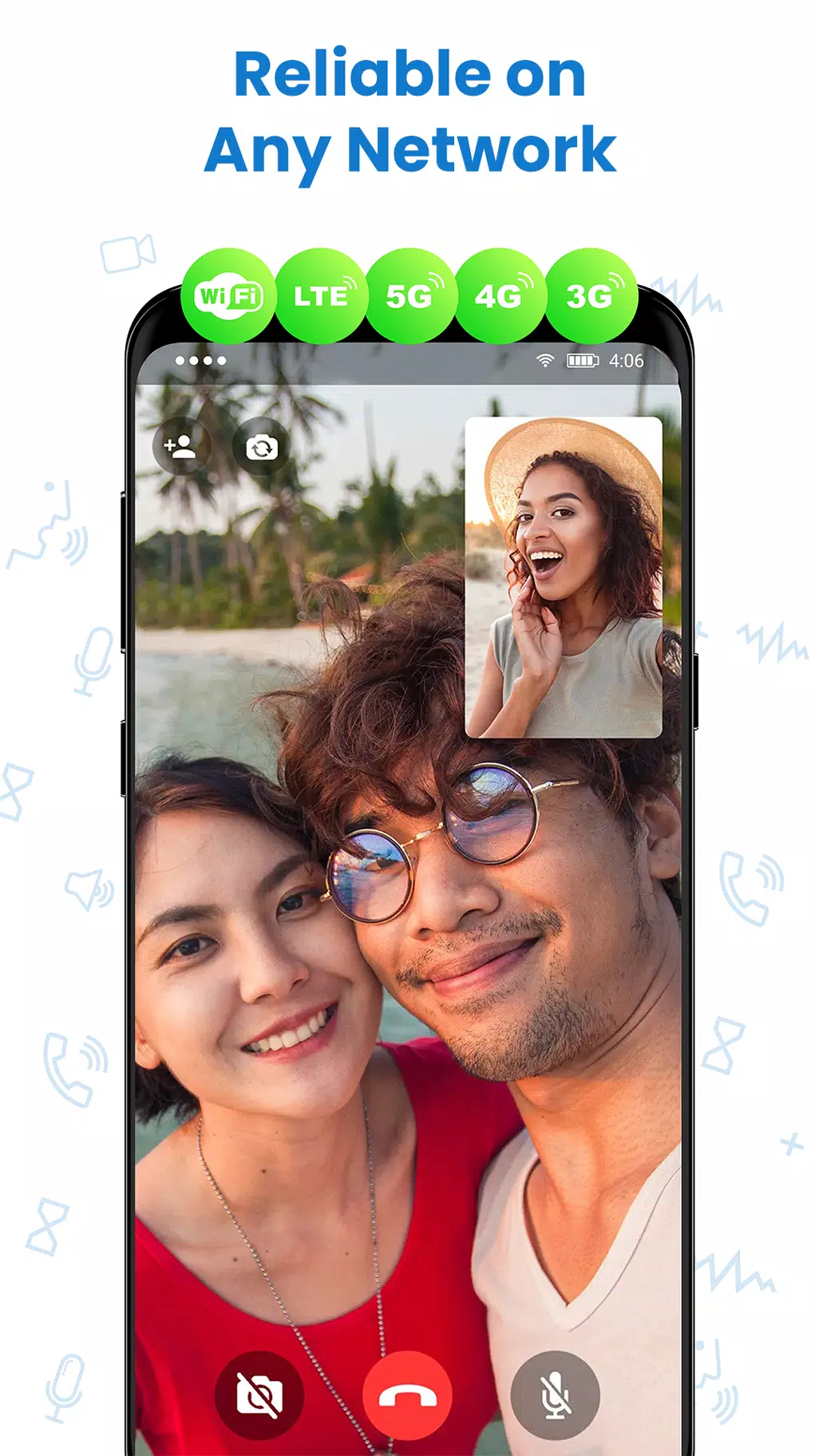
Facetime Android Video Call offers straightforward video and voice calling for Android devices. Facetime Android Video Call connects you with contacts using clear audio and video, and includes messaging and group calling. Facetime Android Video Call is designed to work on both Wi‑Fi and mobile networks with simple controls and privacy settings.
Key features
- High-quality one-to-one video and voice calls
- Group calls and group messaging for small teams or friends
- Send photos and files directly during chats
- Low data usage options and adjustable video quality
- Contact list, call history, and notifications
- Privacy controls to manage permissions and visibility
How it works
Install the app, create or sign in to your account, and add contacts by phone number or username. Start a voice or video call from a contact profile or a chat, switch between camera modes, and use on-screen controls to mute, turn off video, or end the call. Check app settings to manage notifications, data usage, and permissions.
Notes
Facetime Android Video Call requires network access and permissions for camera and microphone to make calls. Review permissions and privacy settings before use and keep the app updated for the latest improvements.
- No virus
- No advertising
- User protection
Information
- File size: 20.10 M
- Language: English
- Latest Version: 1.0
- Requirements: Android
- Votes: 264
- Package ID: com.facetimeios.applefacetime.facetimeapp
- Developer: VDK Apps Infotechs
Screenshots




















Explore More
Explore the Latest Free Downloads of Top Photo Apps in 2024, Featuring Multi-Dimensional App Rankings and Recommendations for the Best Photo Applications. All apps are virus-free, safe and secure for your peace of mind.

Chennai Super Kings

Fruits and Vegetables for Kids

TriviaMaker

HTC Net

Prophecology

PearDrop

Cultura y Turismo Qro

Remote Control for TV