
Introduction
Slime Simulator is a creative live wallpaper app that transforms your device's home screen into an interactive, stress-relieving sandbox of tactile animations and sound. This editor-style tool focuses on realistic physics and hands-on customization so you can mix colors and textures, tweak movement, and hear satisfying audio feedback as you interact with the display. Slime Simulator is designed to be approachable for casual users while offering enough depth for those who enjoy fine-grained control over visual and sonic details.
Gameplay mechanics and interaction
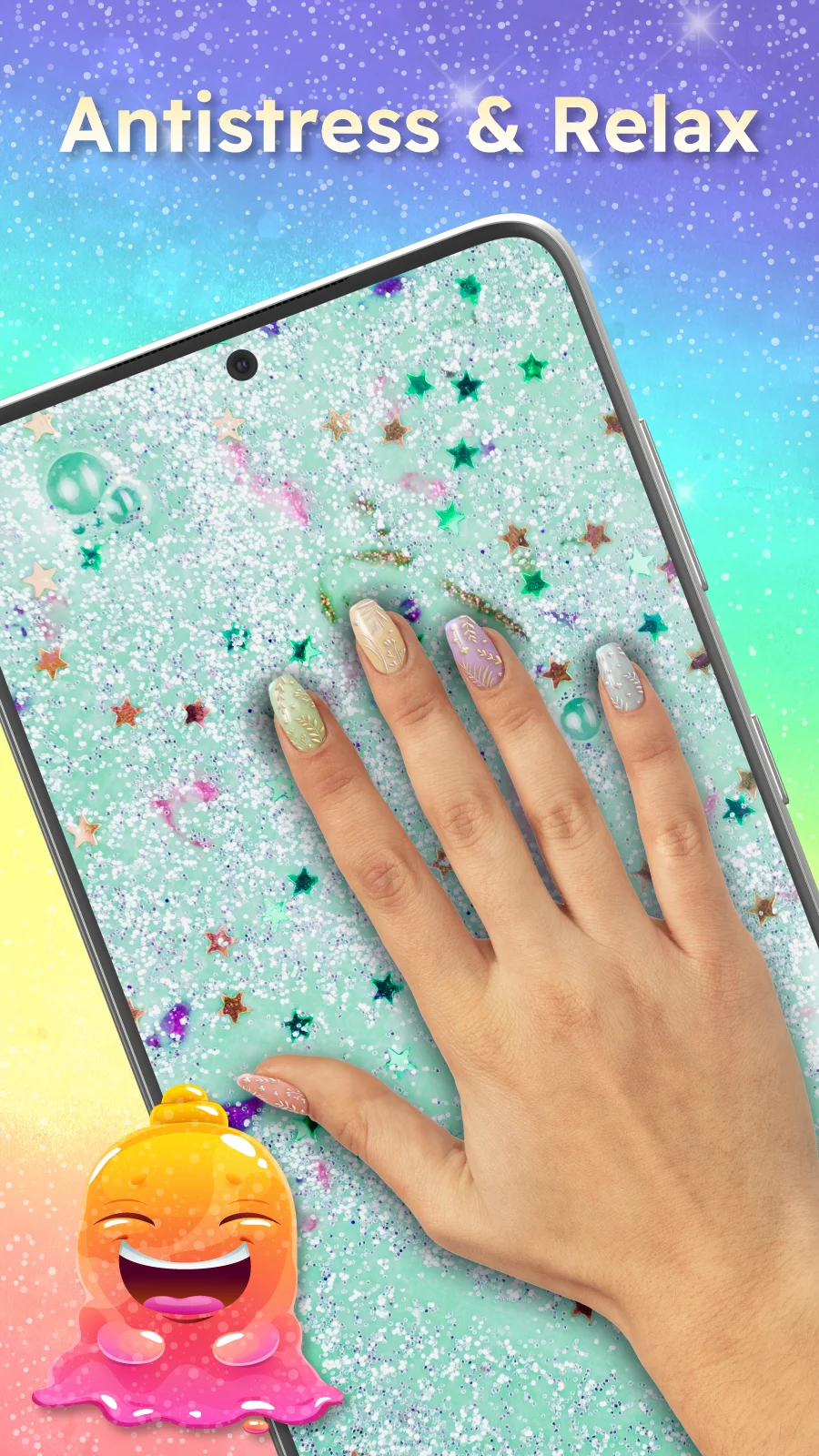
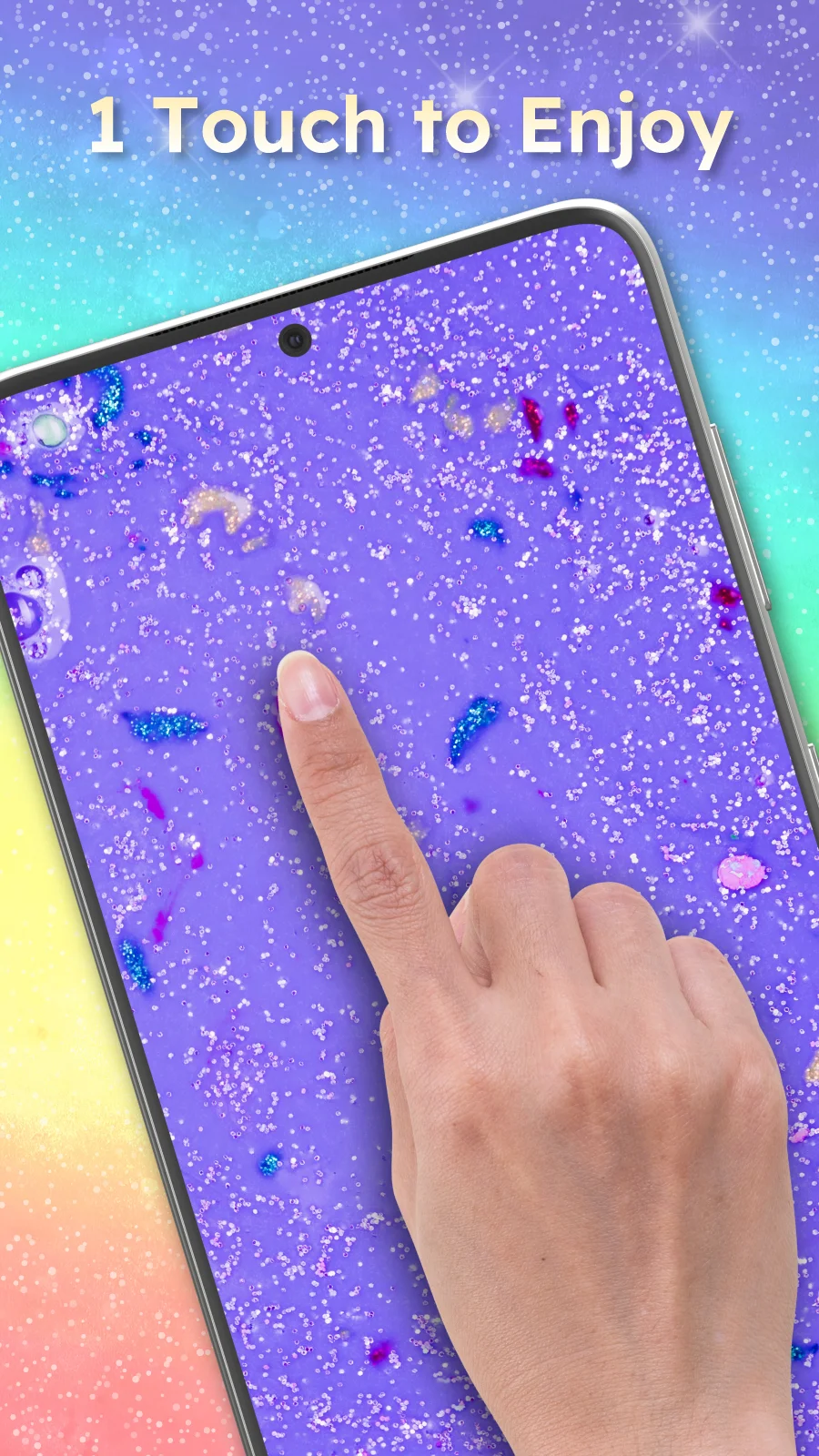
The core experience centers on direct touch interaction: tap, drag, pinch and pull to deform virtual slime in real time. The simulation responds to pressure gestures and movement speed, producing different stretch, ripple and drip behaviors depending on viscosity and elasticity settings. You can layer multiple slime blobs, combine contrasting finishes, and watch how they blend or bounce off one another under animated physics. While there are no levels or competitive elements, the app provides structured scenarios and presets that let you explore different behaviors and create stable or highly dynamic scenes for your wallpaper.
Controls and customization
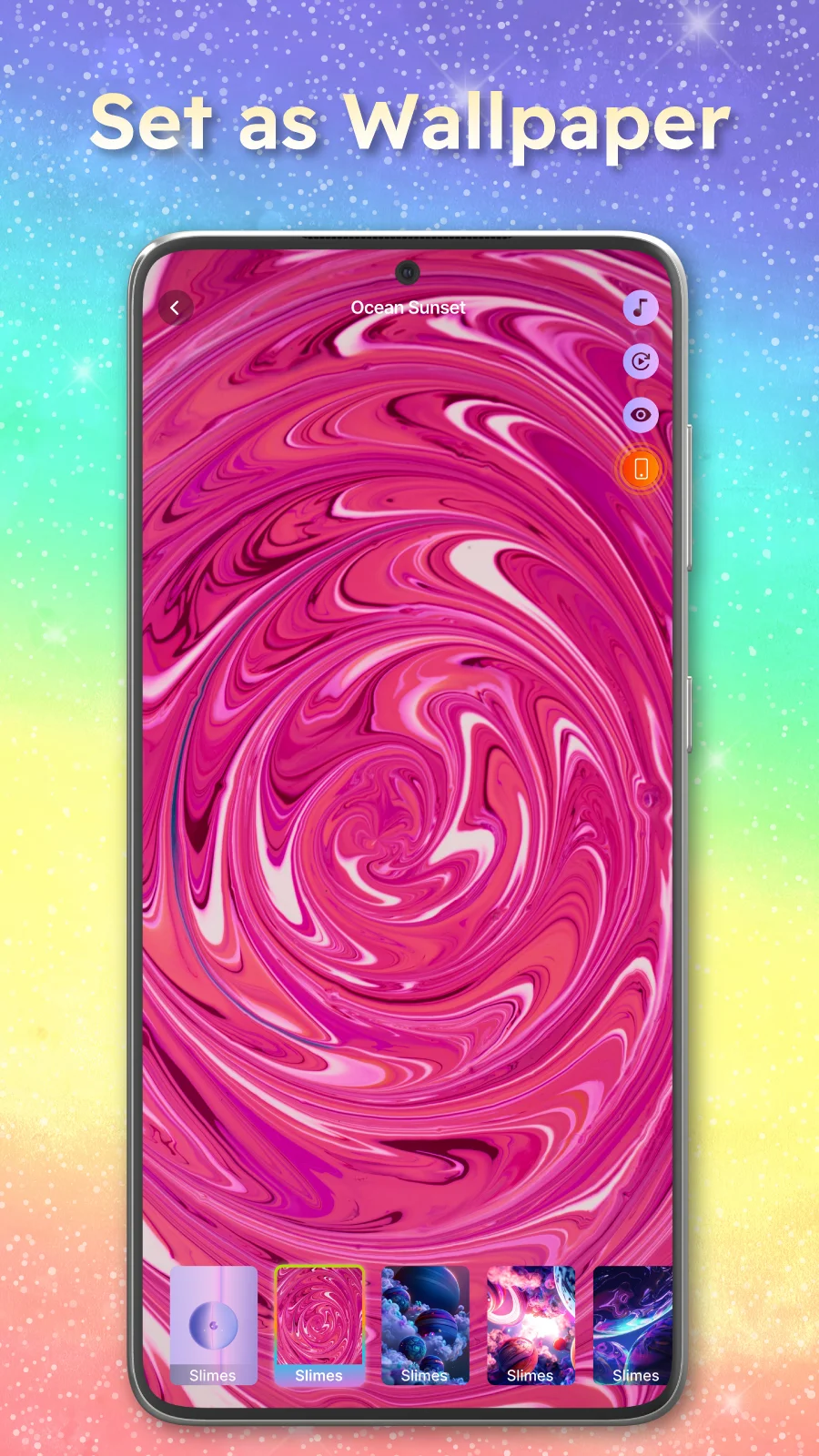
Controls are intentionally simple and visual. A compact toolbar gives access to color pickers, texture selectors and sliders for viscosity, flow speed and surface tension. Mirror and symmetry tools let you create patterned designs with a few taps, and gesture sensitivity can be adjusted for more precise manipulation or broader, more fluid response. Audio presets let you assign different sound profiles to touch interactions so each slime has a chosen squish, plop or ripple. The interface balances quick start accessibility with advanced tweak options, so new users can get pleasing results immediately while power users refine every parameter.
Progression and saving creations
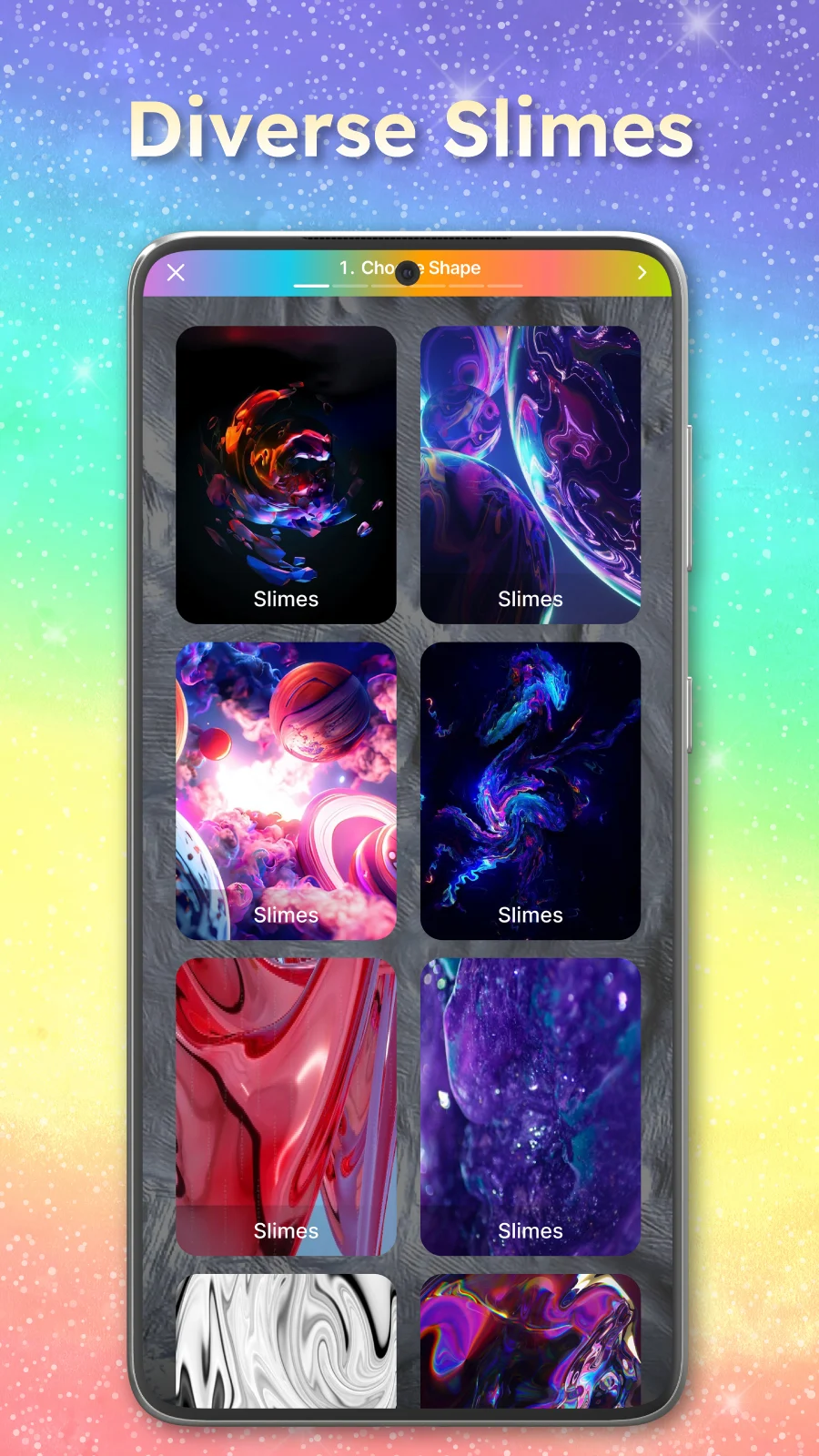
Progression is non-linear and creative rather than competitive. As you explore different combinations you unlock and save presets to a personal collection, making it easy to recall favorite setups and iterate on designs over time. The app supports named saves and thumbnails, so you can build a small library of themed slimes for different moods or seasons. There is also a guided preset gallery that demonstrates common workflows such as glossy metallic finishes, soft pastel blends, or fast-flowing neon slimes for users who prefer starting points rather than building from scratch.
Visual style, sound design and performance
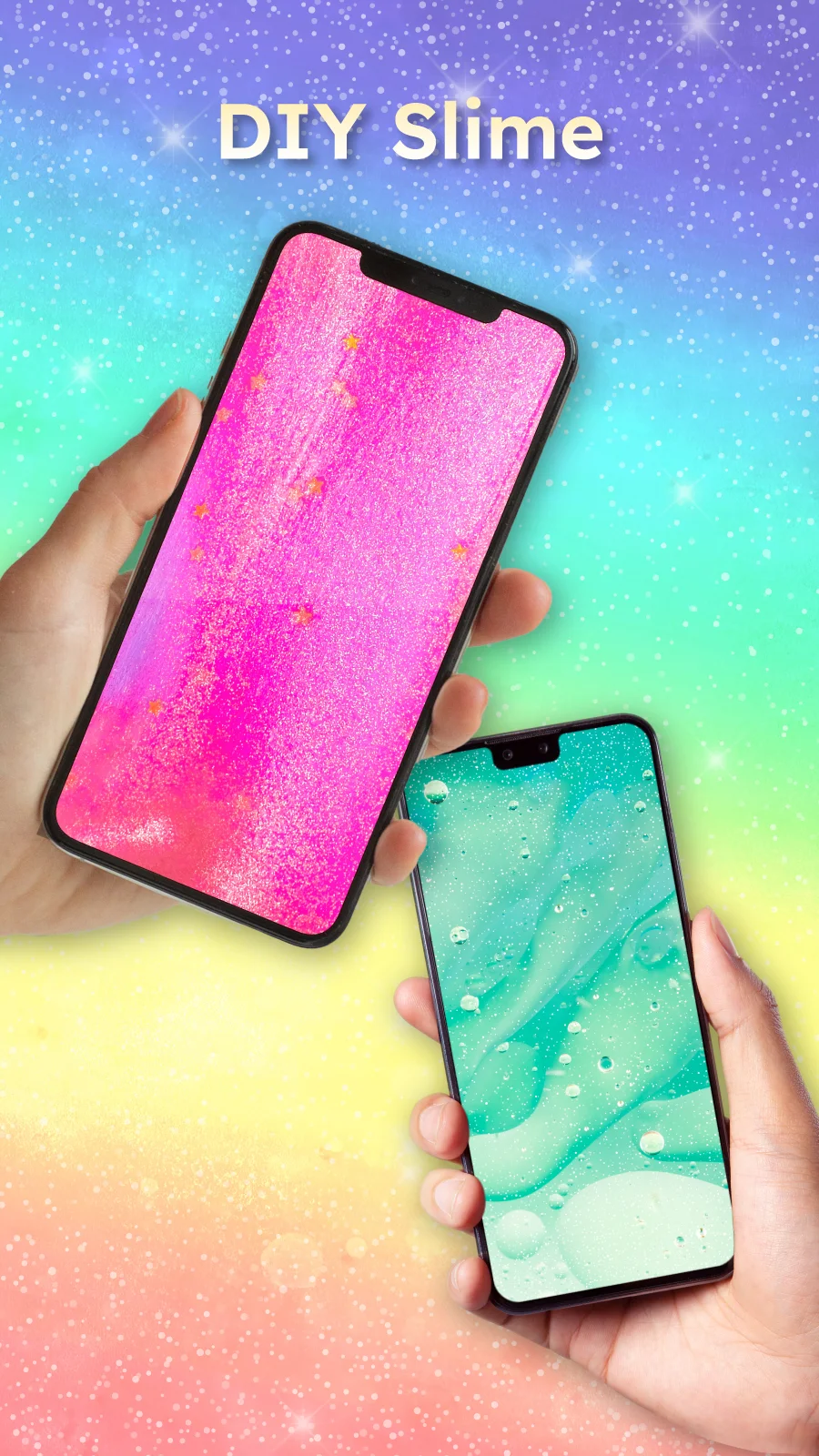
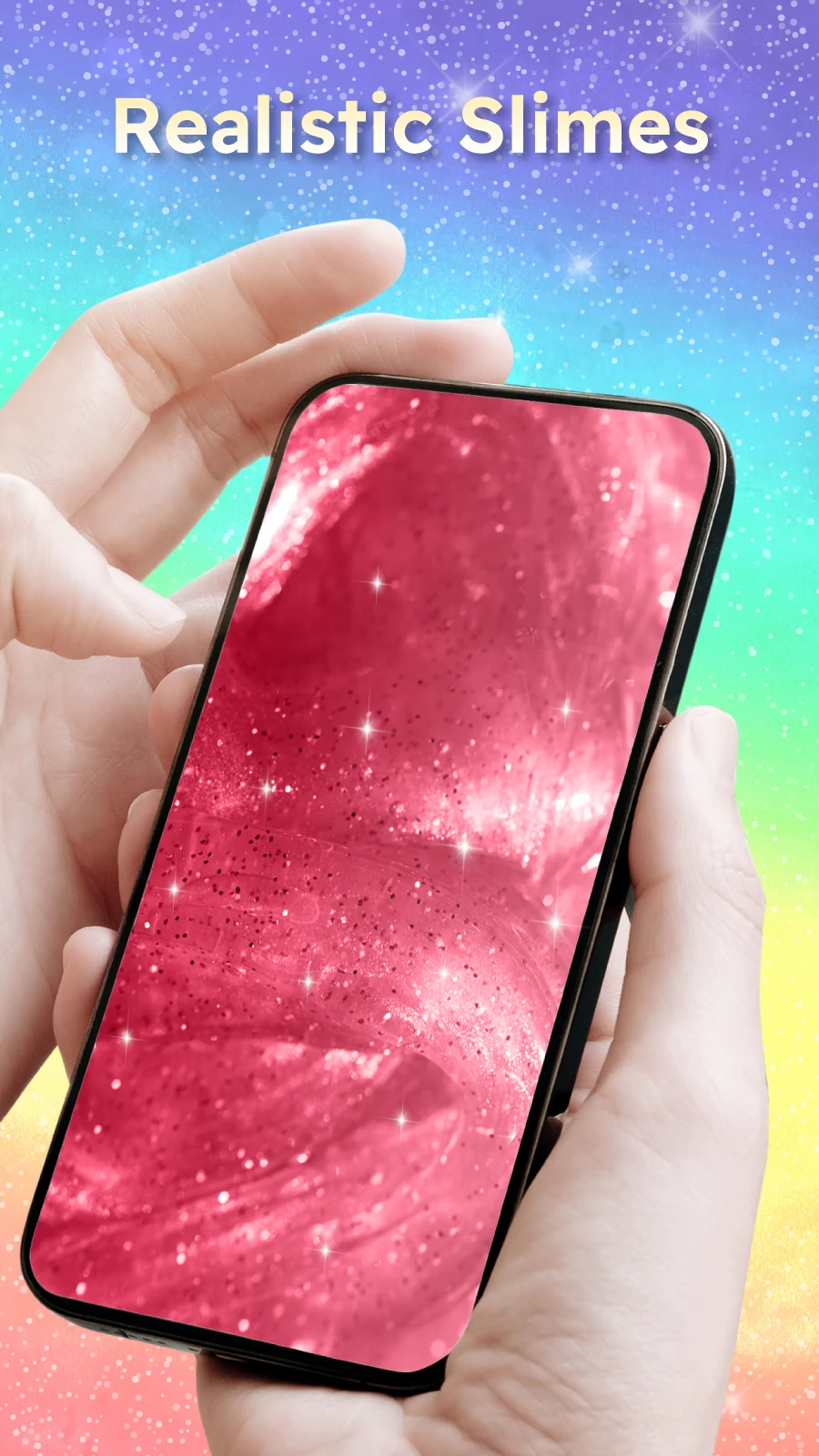
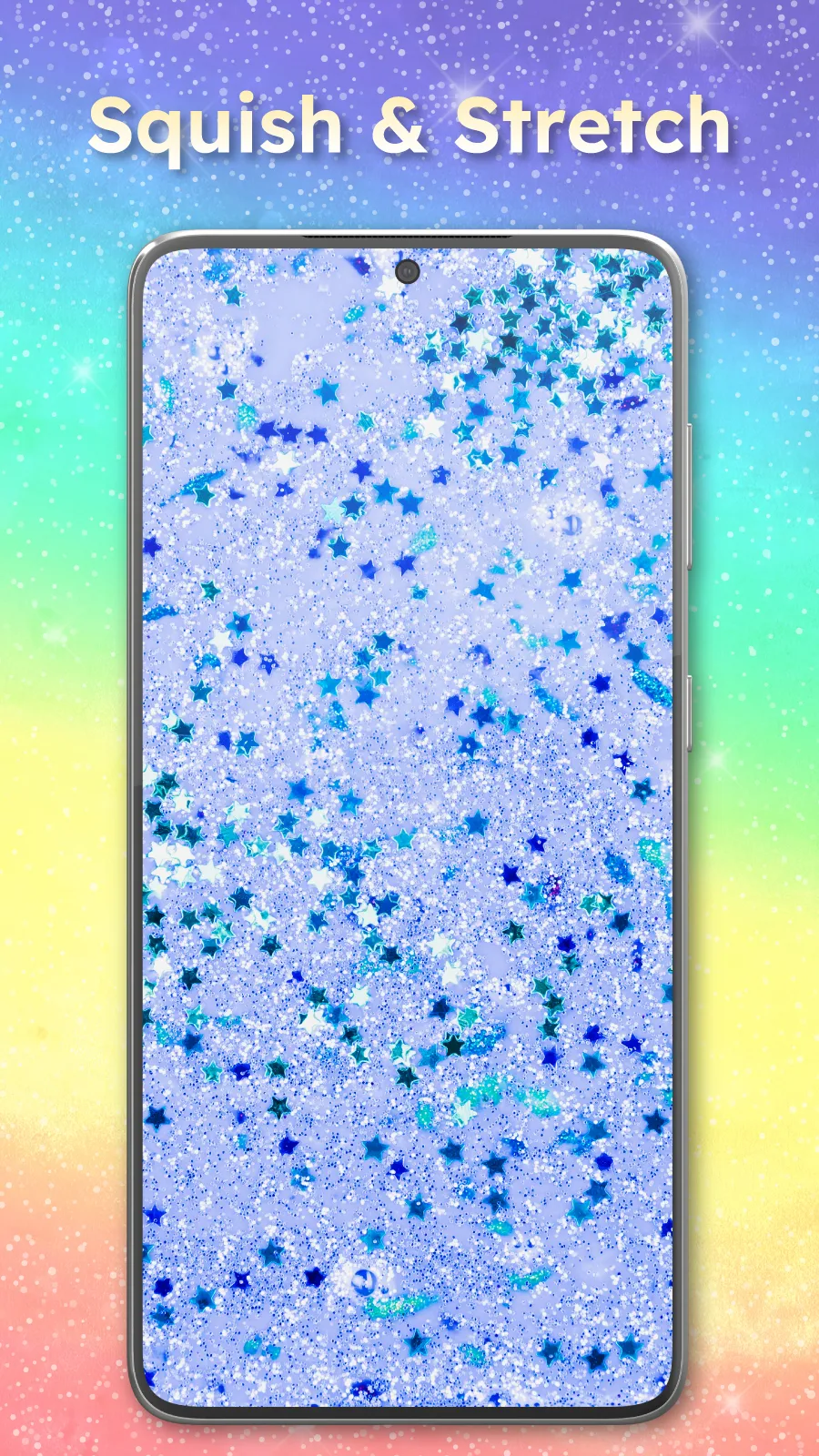
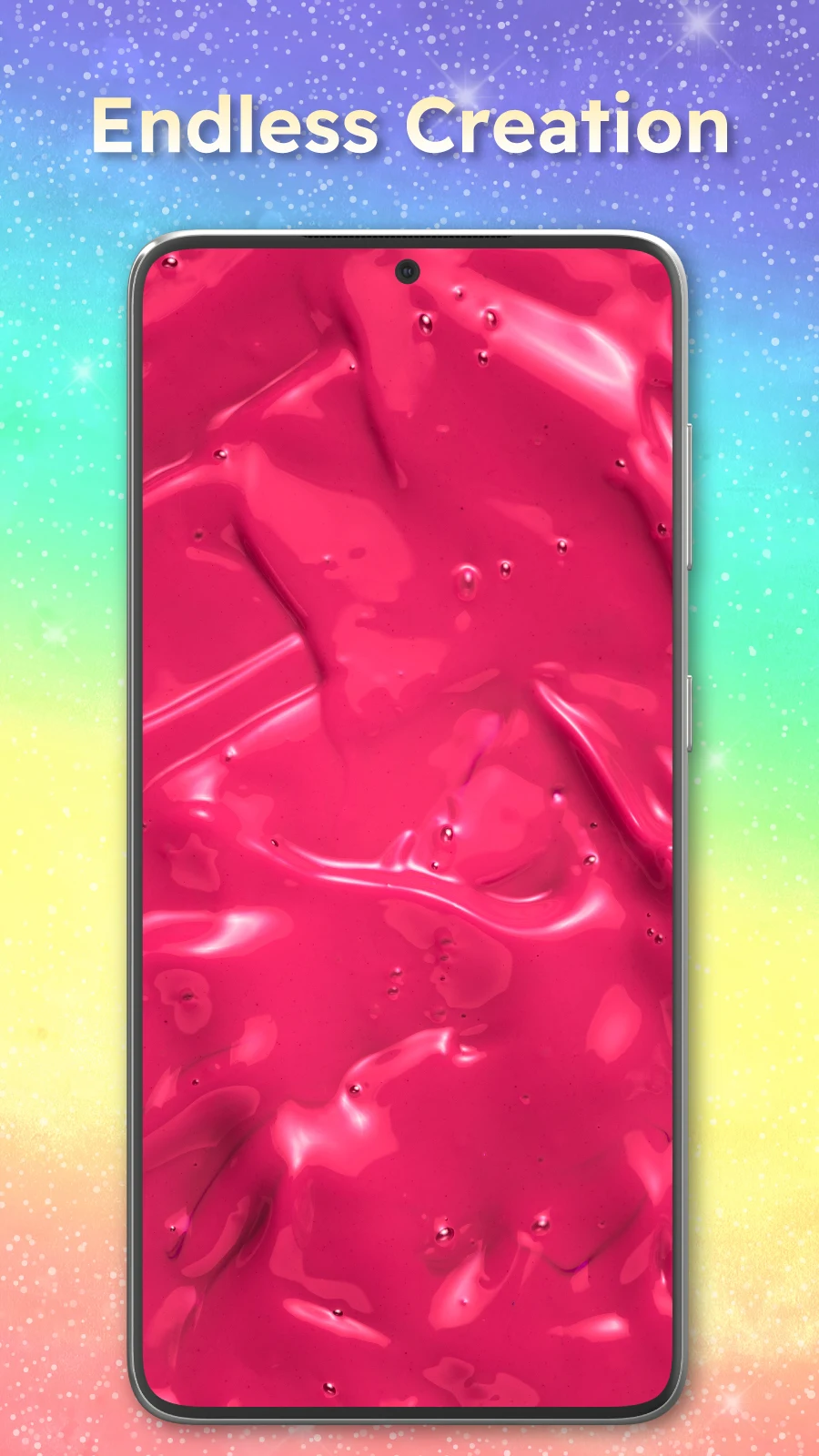
Visuals emphasize high-quality shading, subtle reflections and believable motion while remaining efficient on a range of devices. Texture options include matte, metallic, glitter and soft foam impressions, each reacting differently when stretched or compressed. Audio complements the visuals with responsive feedback designed to feel pleasant and non-intrusive; sound levels and mute options are available to suit different environments. Performance settings let you reduce animation detail or frame rate to save battery and ensure smooth operation on older hardware without losing the tactile feel.
Level structure, replay value and creative workflows
Rather than traditional levels, the app offers themed scenarios and challenges that encourage creative problem solving, such as achieving a stable layered composition or creating a particular motion pattern using limited materials. These short exercises add replay value by presenting design constraints that nudge experimentation. The primary replay incentive is creative exploration: mixing new textures, refining audio pairings, and building a varied collection of saved wallpapers that can be swapped depending on your mood or season.
User experience, accessibility and offline use
The interface is readable and supports multiple languages for broader accessibility. Adjustable contrast and interface scaling help users with different vision needs, and gesture sensitivity settings provide alternatives for varied motor abilities. Slime Simulator works fully offline for core features, including creation, preview and saving of live wallpapers, so you can use it without a persistent internet connection. Sharing features are optional and rely on your device's native share sheet to post images or short clips to social feeds if you choose to show your creations to friends.
Updates, support and practical considerations
Regular updates focus on new textures, sound presets and usability improvements rather than introducing intrusive monetization. The app includes a help section with quick tutorials, tips for reducing battery use, and guidance on how to export or apply saved slimes as live wallpapers. If you value a calm, tactile, and customizable background experience, Slime Simulator provides a low-friction way to personalize your device while experimenting with engaging, physics-driven interactions.
- No virus
- No advertising
- User protection
Information
- File size: 68.20 M
- Language: English
- Latest Version: 1.1.9
- Requirements: Android
- Votes: 383
- Package ID: com.simulation.slime.asmr.slimegames
- Developer: JP Software Studio
Screenshots














Explore More
Explore a vast array of social networking app downloads tailored for gamers, along with the latest comprehensive collection of social networking apps. Discover the most up-to-date, extensive, and user-friendly social networking applications available today.

Real Beauty Loyalty

Sweet Home: Games for kids

skydive

Parallel

Bruh Sound Button

Forescore

AirConsole

TriviaMaker