Introduction
Get Color is a compact color reference and palette tool designed to help creatives discover and apply colors with confidence. Get Color places a visually focused color library on your device, making it easy to browse hues, compare tones and assemble palettes for design, art, fashion or branding projects. The app emphasizes quick visual decision-making and practical reference information so you can iterate on ideas without interrupting your creative flow.
Key features
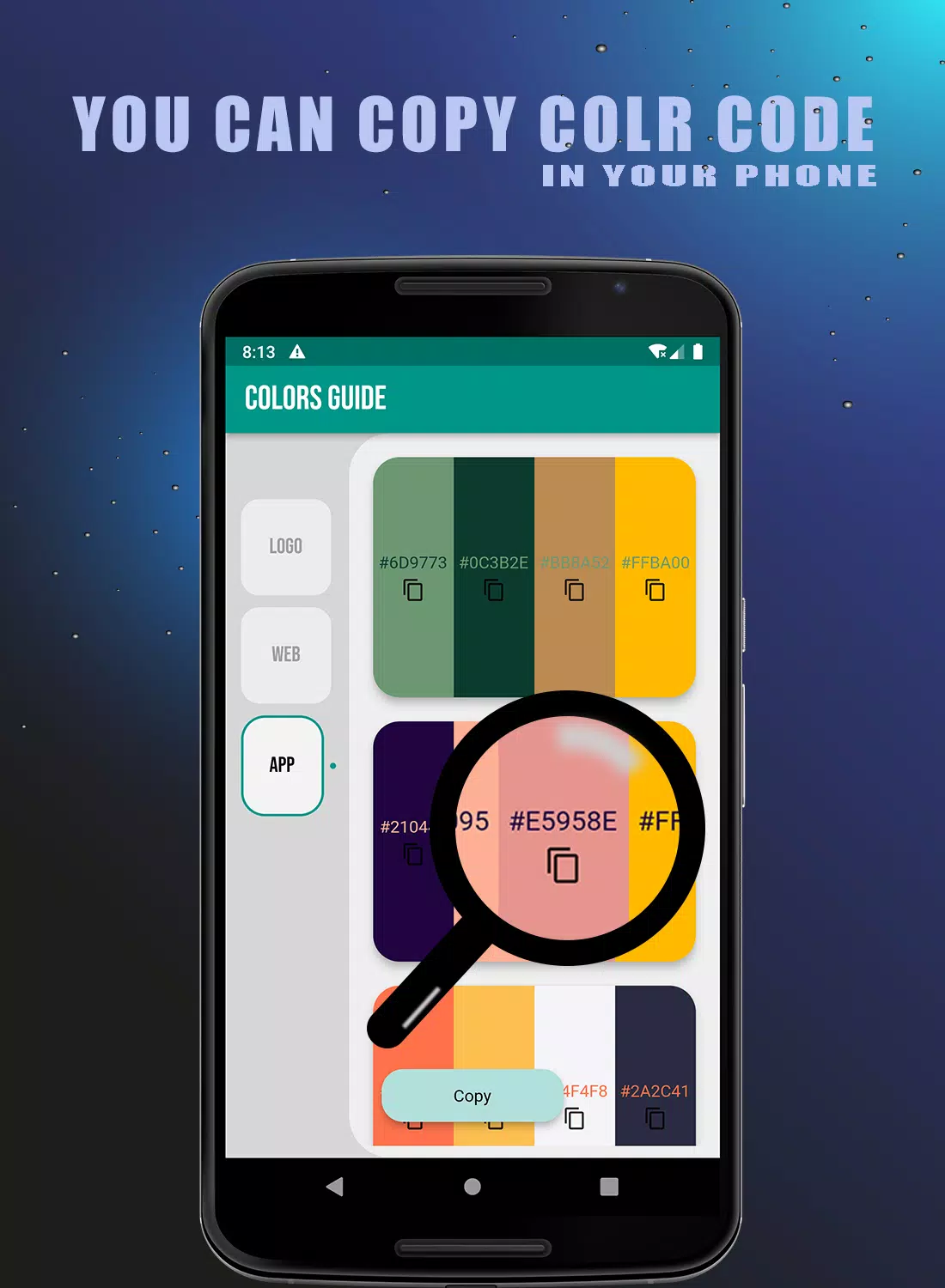
Browse a wide spectrum of hues, shades and gradients with a clean, searchable interface that surfaces curated palettes alongside individual swatches. The app includes basic color theory explanations and contextual examples so you can understand relationships like complementary, analogous and triadic pairings. You can mark favorite swatches, group them into named palettes for specific projects, and visually compare several saved combinations side by side. Rather than overwhelming menus, Get Color focuses on straightforward actions: tap to select, drag to reorder, and pinch or zoom to inspect fine tonal differences.
How it works: controls and progression
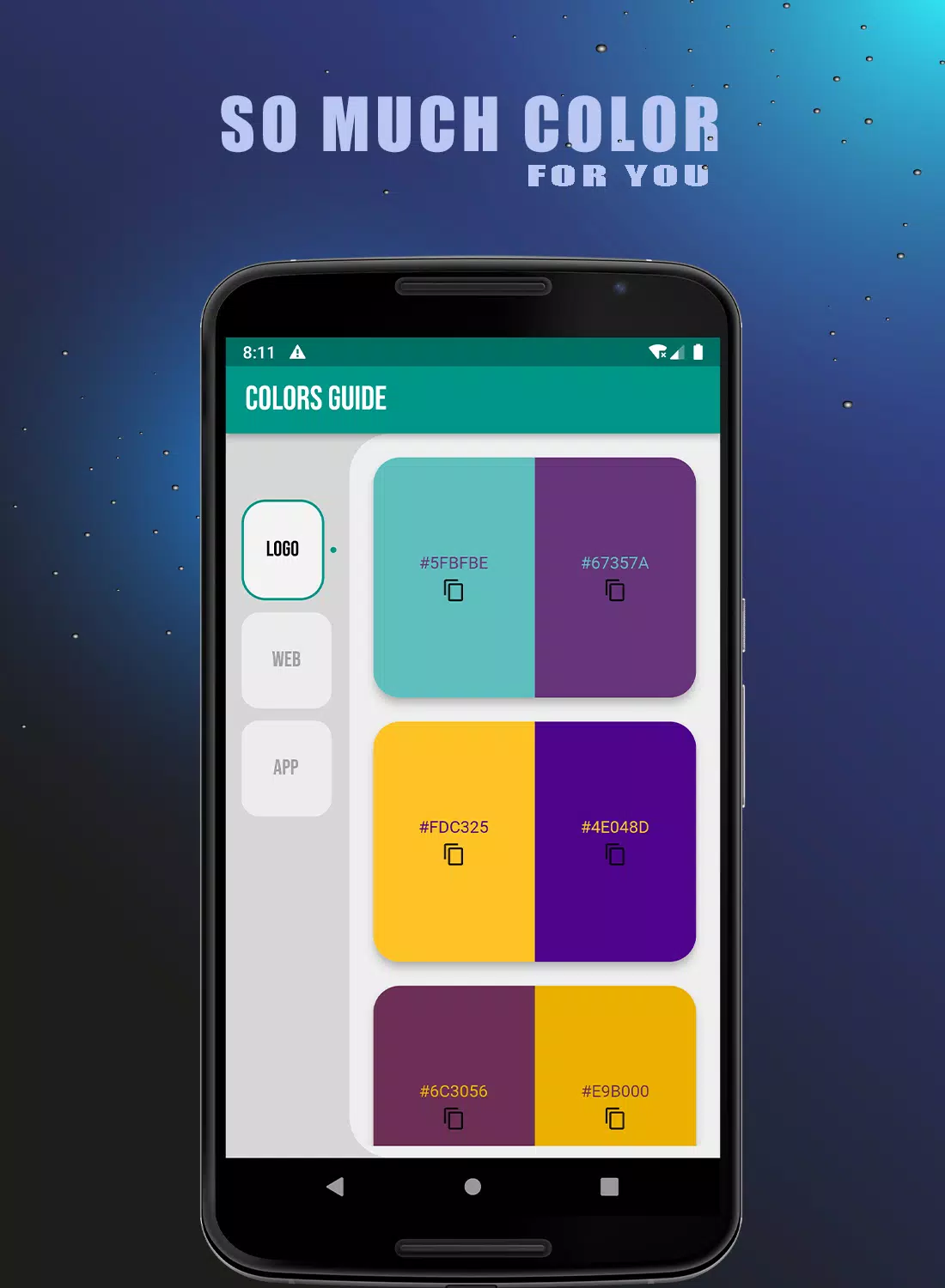
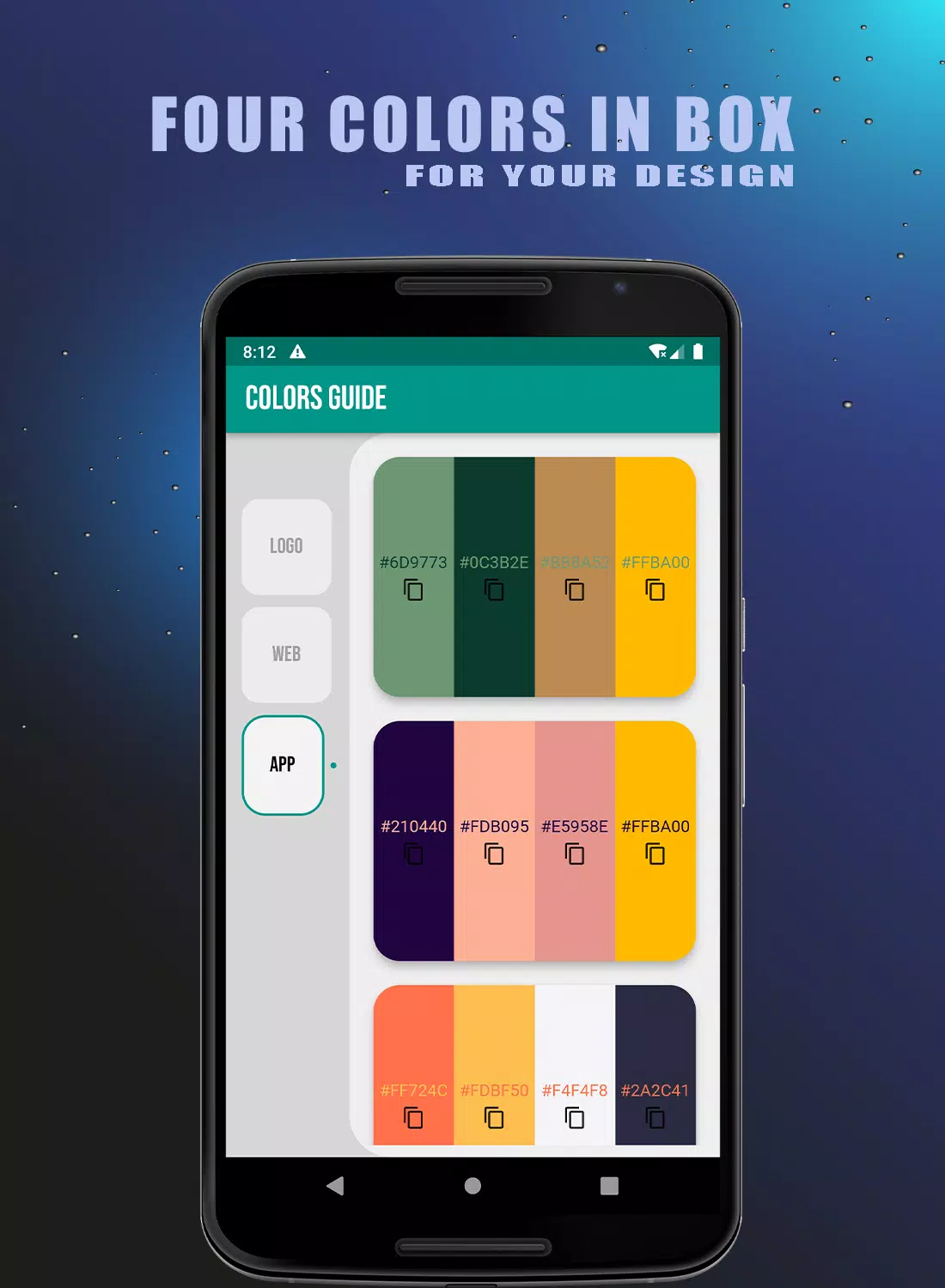
Controls are intentionally simple to keep attention on color: tap to inspect a swatch, long-press to add it to a palette, and drag to reorder swatches within a collection. Precise color values are shown alongside visual swatches so you can copy or share hex and RGB values for use in other tools. Progression in the app is not game-based but practical: as you save palettes, name projects and build a library of references, your personal collection becomes a searchable resource that accelerates future decisions. A history view helps you revisit earlier experiments and refine palettes over time.
Visual style and customization
The user interface is designed with a minimal, high-contrast aesthetic that foregrounds color samples. You can switch between grid and list views, adjust swatch size to focus on fine gradations, and add notes or tags to palettes for better organization. Customization options let you name swatches and palettes to match project context — for example, brand name, mood, or season — which makes it easier to apply the same palette across different deliverables. These choices keep the app flexible for both single-session inspiration and long-term portfolio reference.
Practical uses and workflow integration
Get Color fits into many creative workflows without requiring complex setup. Use it to pull color inspiration when sketching concepts, to lock down a brand palette during planning, or to coordinate color stories for fashion and textiles. The app supports offline use for core reference features so you can browse your saved palettes and view color notes without an internet connection. When you need to move values into another program, copy-and-paste of color codes is straightforward, allowing seamless transfers into design, illustration or layout tools.
Accessibility, challenge systems and replay value
Accessibility considerations include readable labels, adjustable contrast in the interface, and clear numeric color readouts to assist users with different visual needs. To make exploration productive and educational, Get Color includes short guided exercises and practical examples drawn from everyday design tasks that encourage trying new combinations and testing contrast relationships. These exercises, combined with the ability to save and revisit experiments, create useful replay value: the app becomes a growing studio aid rather than a one-time lookup tool.
Limitations and appropriate expectations
Get Color is intended as a reference and inspiration tool, not a full-featured color management or print-proofing system. While the app provides precise visual swatches and numeric color values for digital work, it does not replace dedicated print calibration, soft-proofing or professional color production workflows. Users who require industry-level color matching for print should combine Get Color with their existing production tools and calibration processes.
Who benefits most
Designers, illustrators, brand managers, hobbyist makers and students will find Get Color useful for rapid ideation and consistent palette building. The app is especially helpful when you need a portable, searchable visual guide to colors that supports experimentation and documentation. Because it centers on clarity and utility rather than heavy editing, Get Color works well as a companion app in a variety of creative environments.
- No virus
- No advertising
- User protection
Information
- File size: 3.90 M
- Language: English
- Latest Version: 1.0.14
- Requirements: Android
- Votes: 468
- Package ID: com.colors.colors_guide2
- Developer: Rs Store
Screenshots








Explore More
Discover and download the latest system software of 2024 at high speed for free. Explore multidimensional rankings and references to help you choose the best system software. Rest assured, all software has undergone rigorous security checks and virus scans for your safety.

Chinese cooking recipes game

Time Sphere

Parallel

AirConsole

PicklePlay

MotiveMate

Moonlight

Monitora View