
Introduction
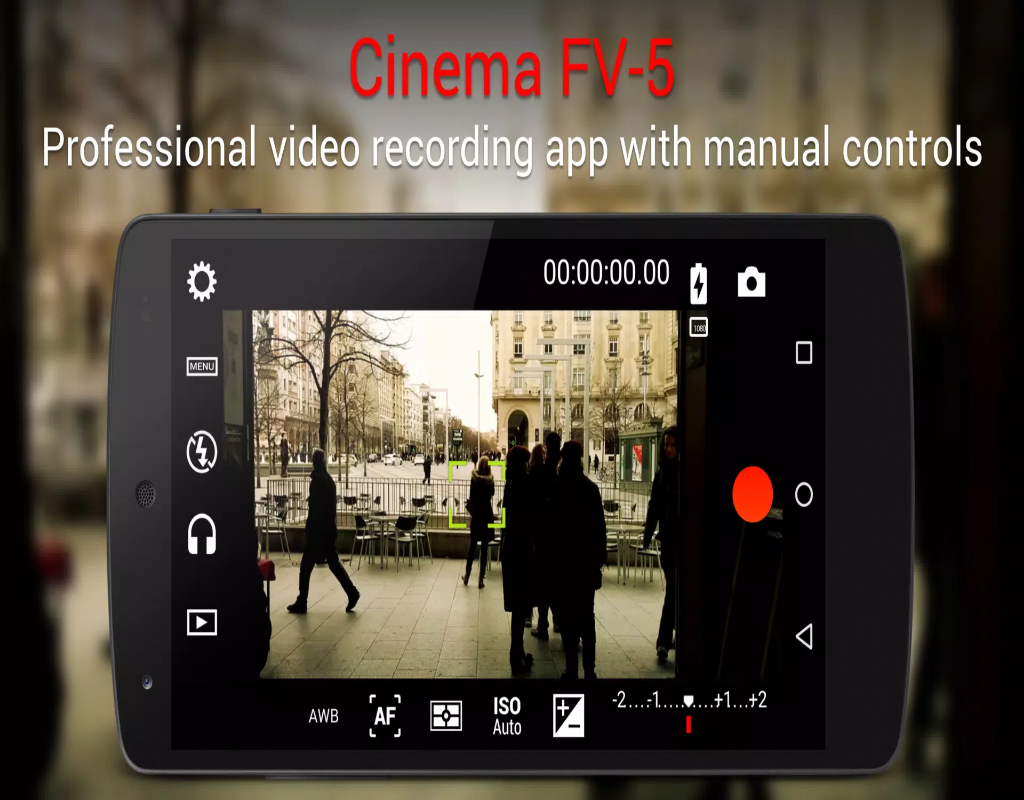
Cinema FV-5 is a professional video recording app designed for Android devices, offering a full range of manual control features for those who want to take their mobile filmmaking to the next level. Whether you're an aspiring filmmaker or an enthusiast, this app gives you the tools to shoot high-quality video with complete control over focus, exposure, white balance, and more. With its intuitive interface and advanced features, Cinema FV-5 is perfect for users looking to capture cinematic footage using just their smartphones. It brings the power of professional video production right to your pocket, allowing for creative flexibility and precision.
Features of Cinema FV-5:
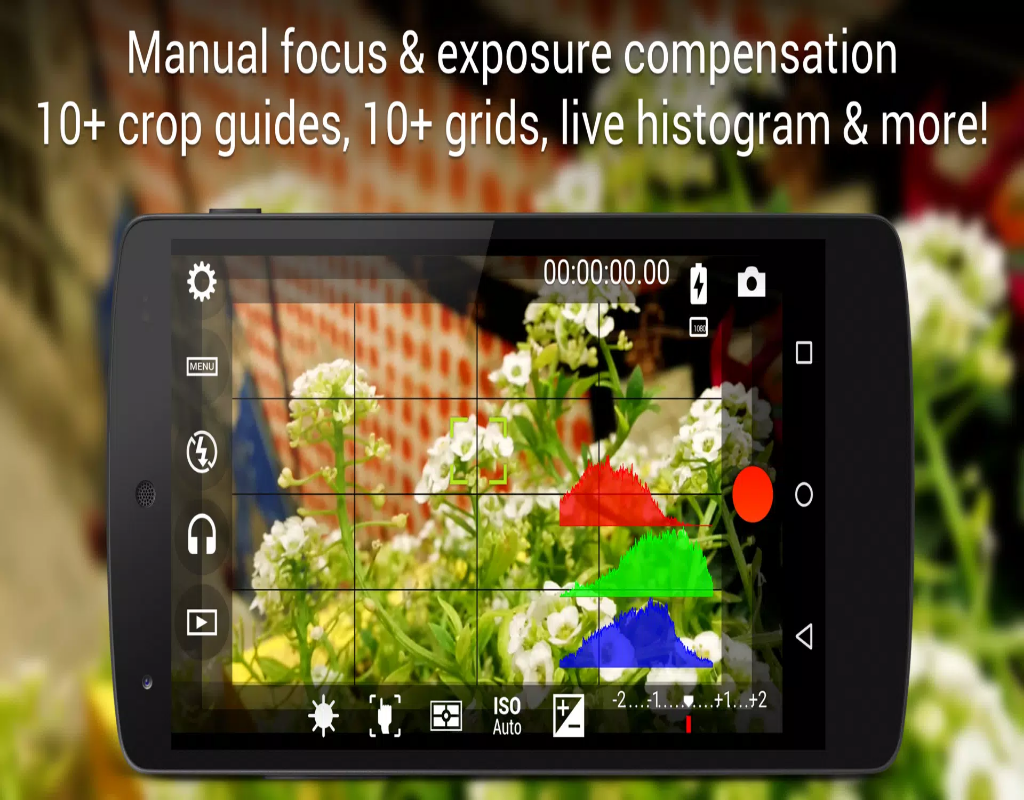
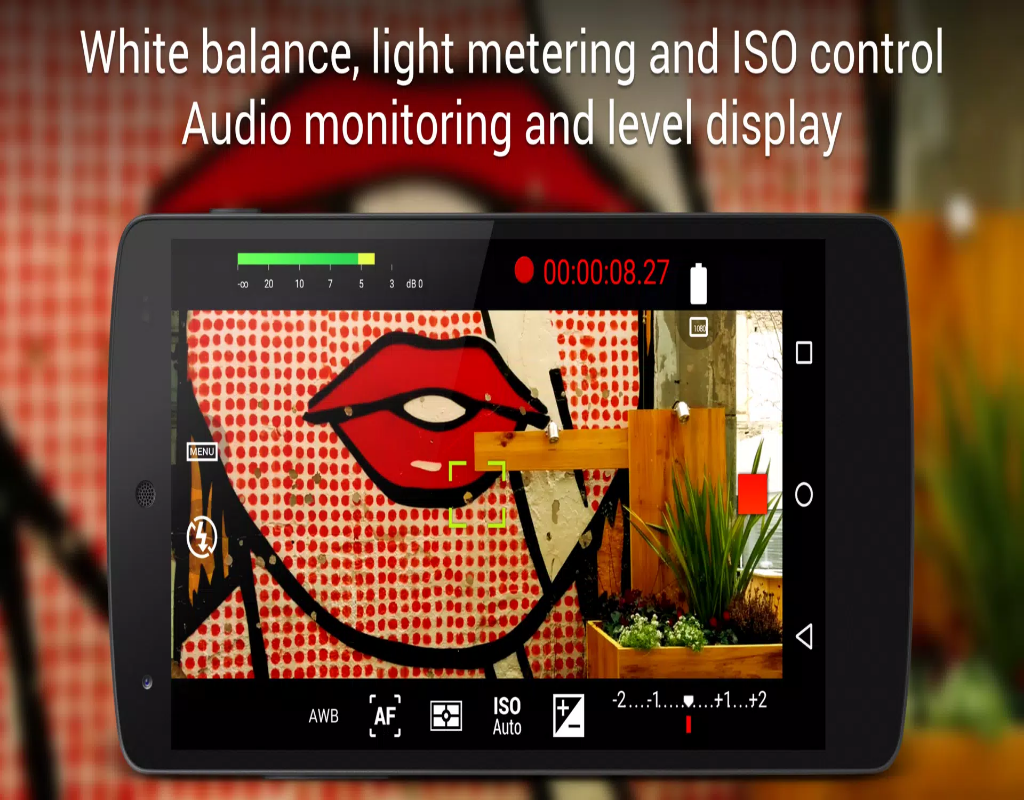
- Full Manual Controls: Cinema FV-5 offers manual control over focus, exposure, white balance, ISO, and shutter speed, giving you complete flexibility for capturing videos.
- Log Video Recording: The app supports log gamma curves, enabling you to capture a wider dynamic range for post-production color grading and greater control over the final look of your video.
- High-Quality Audio Capture: Cinema FV-5 includes support for external microphones, ensuring professional-quality audio recording alongside your video.
- Frame Rate Control: You can manually set the frame rate (24fps, 30fps, 60fps, etc.), allowing you to tailor your footage for different production requirements.
- Focus Peaking and Zebra Stripes: These advanced tools help you achieve precise focus and exposure, making it easier to get the perfect shot in challenging lighting conditions.
Playing Tips for Cinema FV-5:
- Use Manual Focus: Take full control of your shots by adjusting the manual focus to get sharp and cinematic visuals, especially for close-ups or specific details.
- Experiment with Log Recording: Enable log video recording for greater flexibility in post-production color grading and to create a more professional look with a wider dynamic range.
- Adjust Shutter Speed for Motion: When recording fast-moving subjects, tweak the shutter speed to avoid motion blur and capture smooth, crisp footage.
- Use Frame Rates Creatively: Experiment with different frame rates to achieve effects like slow-motion or cinematic 24fps video for that movie-like quality.
- Monitor Your Audio: Use the external microphone input and check your audio levels during recording to ensure the best possible sound quality.
Conclusion:
Cinema FV-5 offers mobile filmmakers a professional-grade video recording experience with its extensive manual controls and advanced features. From fine-tuning exposure and focus to capturing high-quality audio, this app allows you to create cinematic videos directly from your Android device. With tools like log video recording, frame rate control, and focus peaking, it’s a versatile tool that empowers users to take full control over their video production process. Whether you're shooting for a personal project or professional content, Cinema FV-5 gives you the power to achieve high-quality, polished results right from your phone.
- No virus
- No advertising
- User protection
Information
- File size: 6.40 M
- Language: English
- Latest Version: 2.1.8
- Requirements: Android
- Votes: 171
- Package ID: com.flavionet.android.cinema.pro
- Developer: FGAE Apps
Screenshots
















Explore More
This collection contains different versions of free video viewing software, all of which are guaranteed to be free to download and watch. Viewers can search for the content they are interested in. Friends are welcome to download and experience it.

Chennai Super Kings

Parallel

Lama—Game & Voice Chat

TriviaMaker

Planea

HTC Net

Moonlight

Monitora View