Introduction
Microsoft Lens - PDF Scanner is the ultimate productivity tool for anyone looking to streamline their work environment. Easily capture and upload notes, receipts, and important documents with just a few clicks. Say goodbye to bulky binders and piles of paper cluttering your workspace. With features like digitizing printed or handwritten text, capturing whiteboard content, and saving business networking contacts directly to your phone, Microsoft Lens has you covered. Choose from various file formats and saving options to keep yourself organized and efficient. Stay on top of tasks and deadlines by utilizing this powerful scanning app for all your professional needs.
Features of Microsoft Lens - PDF Scanner:
* Enhanced Productivity in Work Environment: Scan and upload all notes, receipts, and important documents effortlessly.
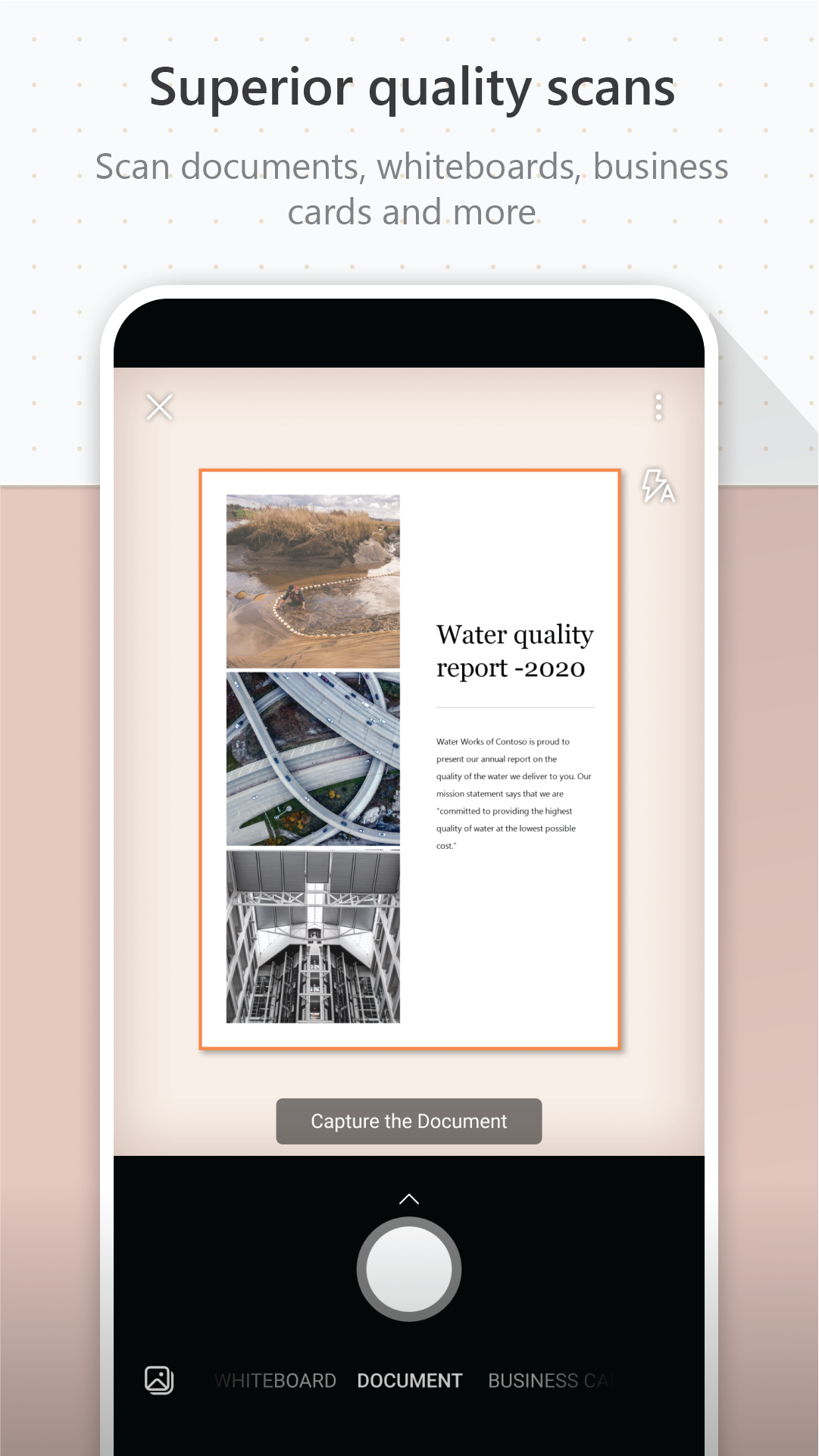
* Capture whiteboard content: Stay organized by capturing whiteboard content at the end of meetings.
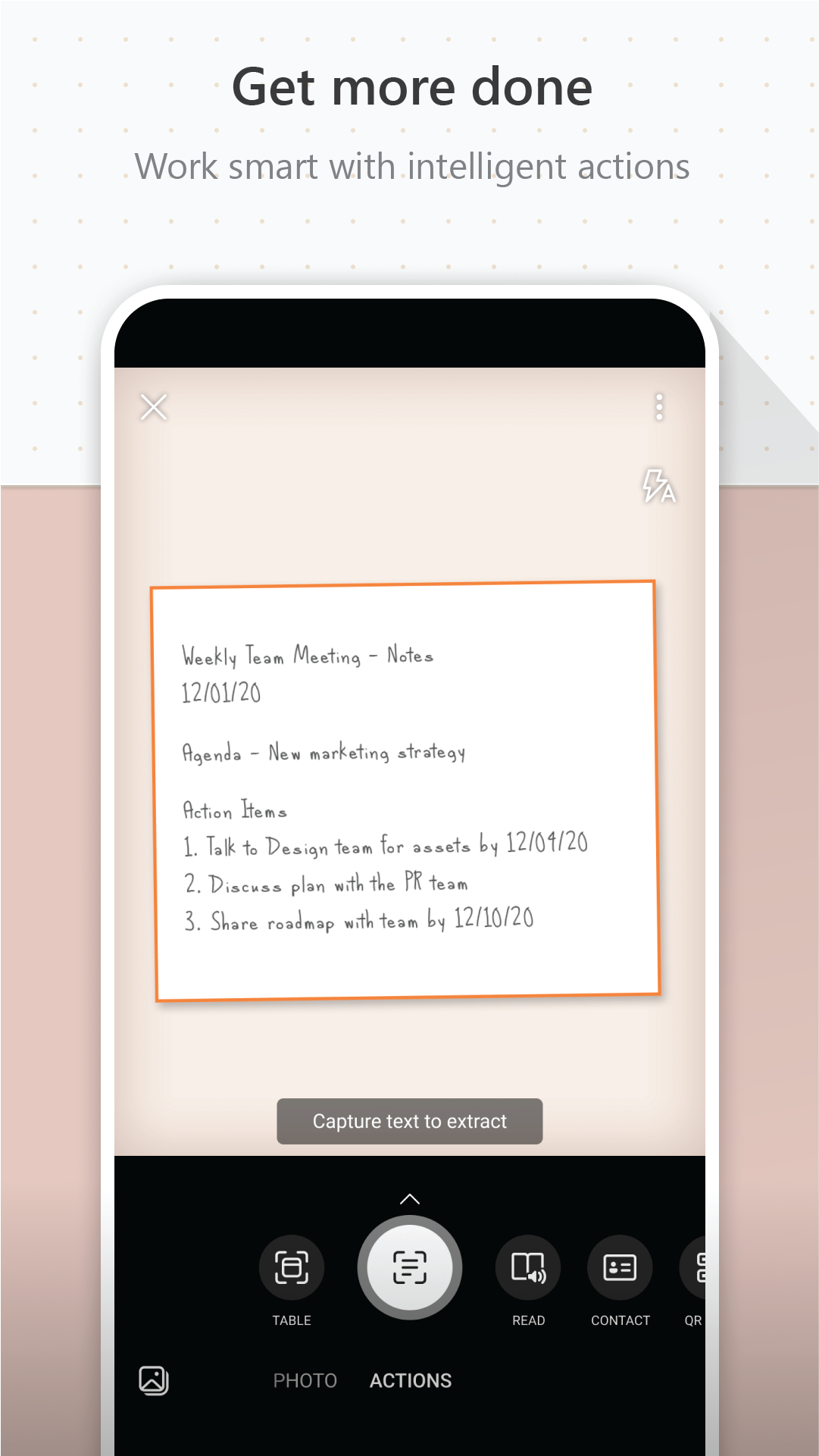
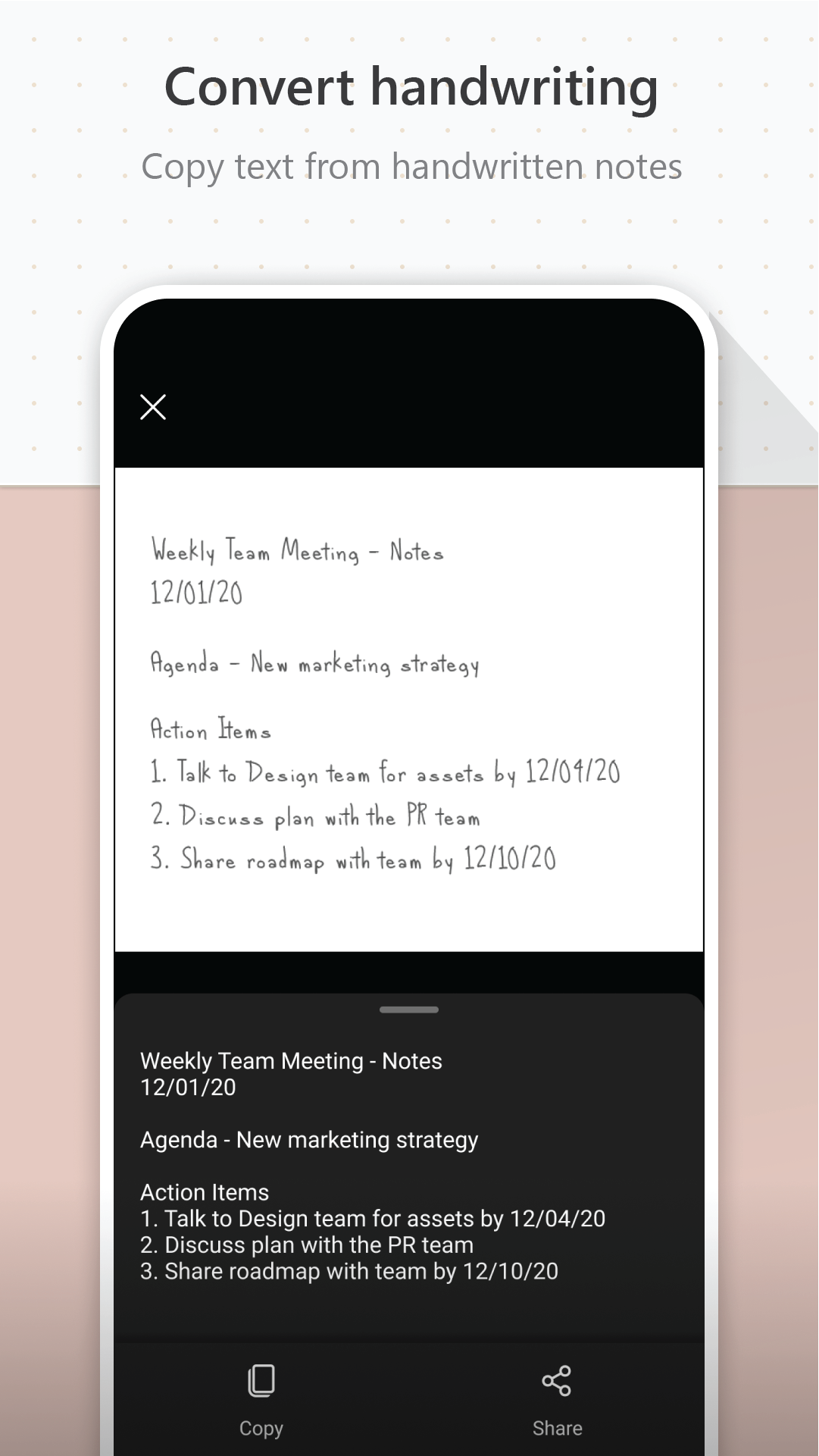
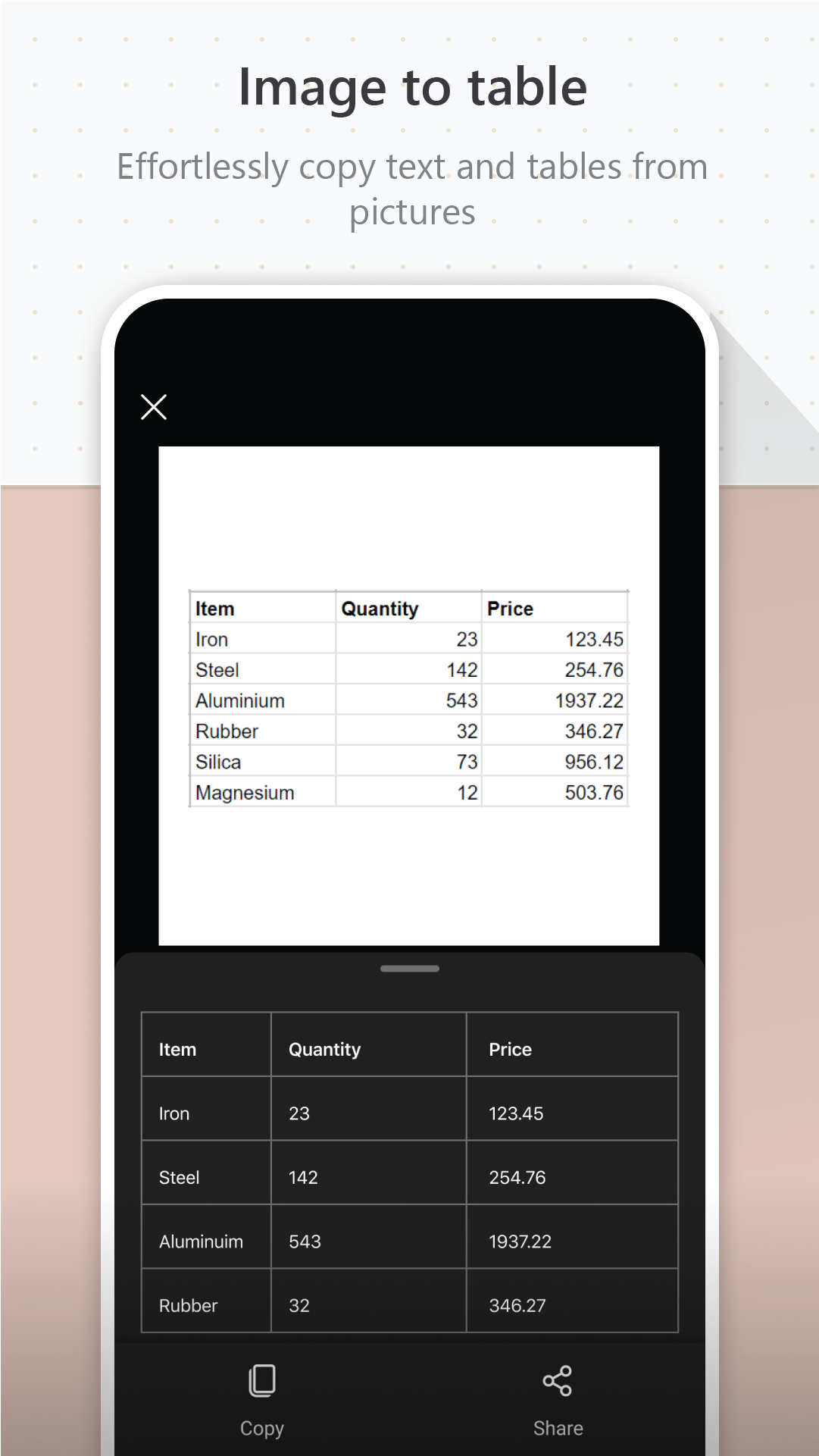
* Digitize printed or handwritten text: Easily edit and share meeting notes for future reference.
* Maintain business networking contacts: Scan and save business cards directly to your contact list.
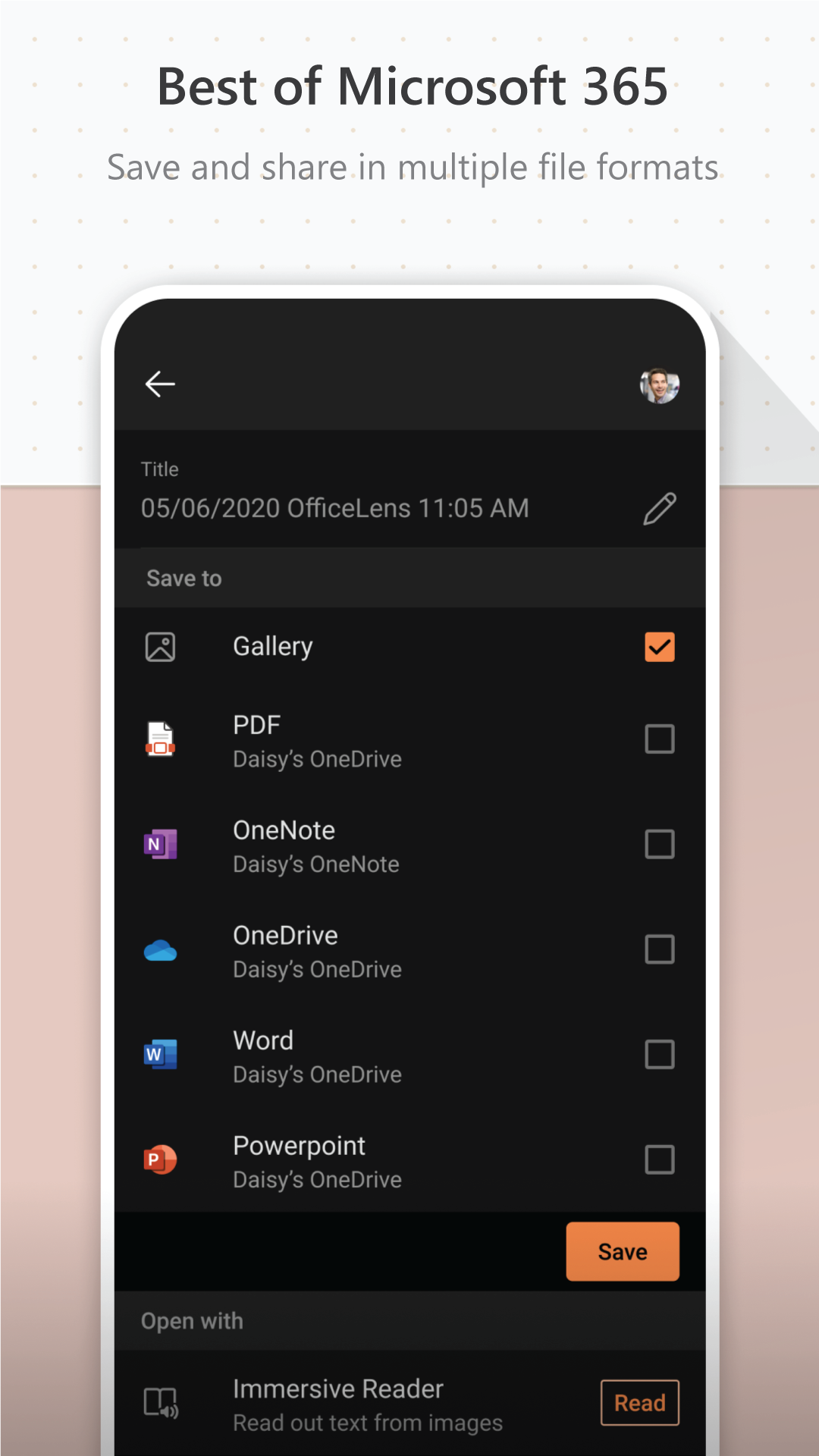
* Flexible saving options: Save files in various formats to OneNote, OneDrive, or your device for easy access.
Playing Tips:
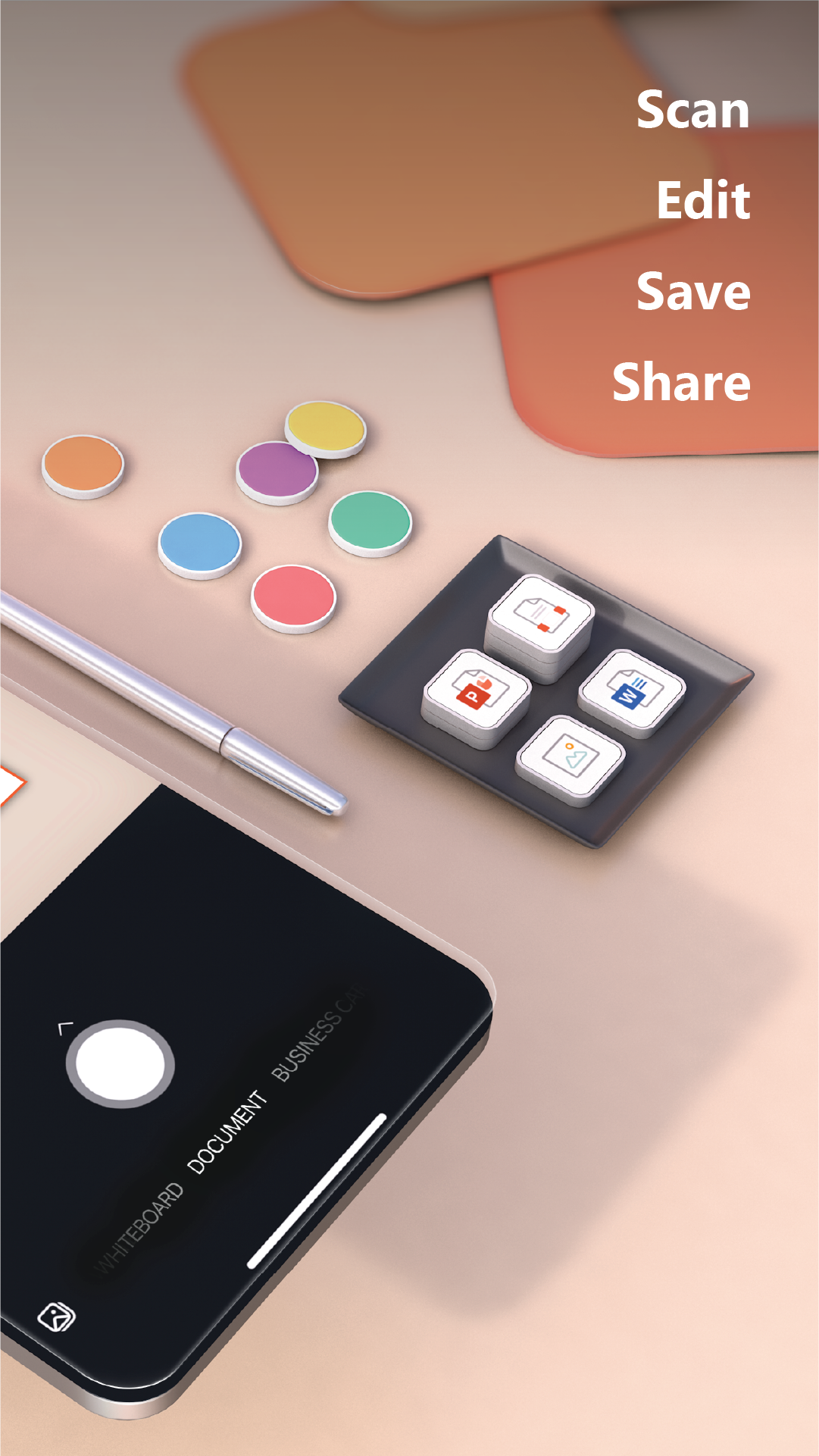
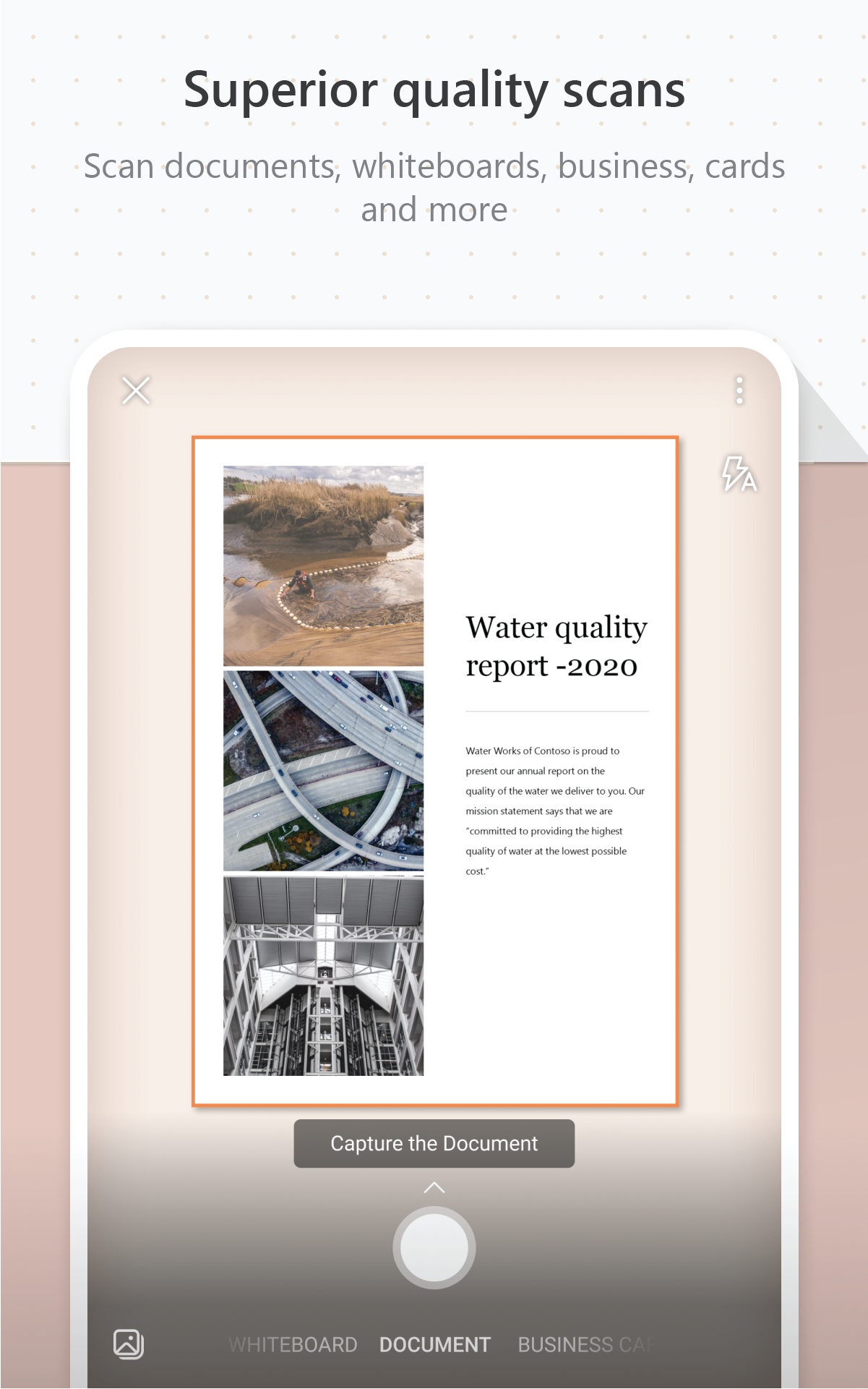
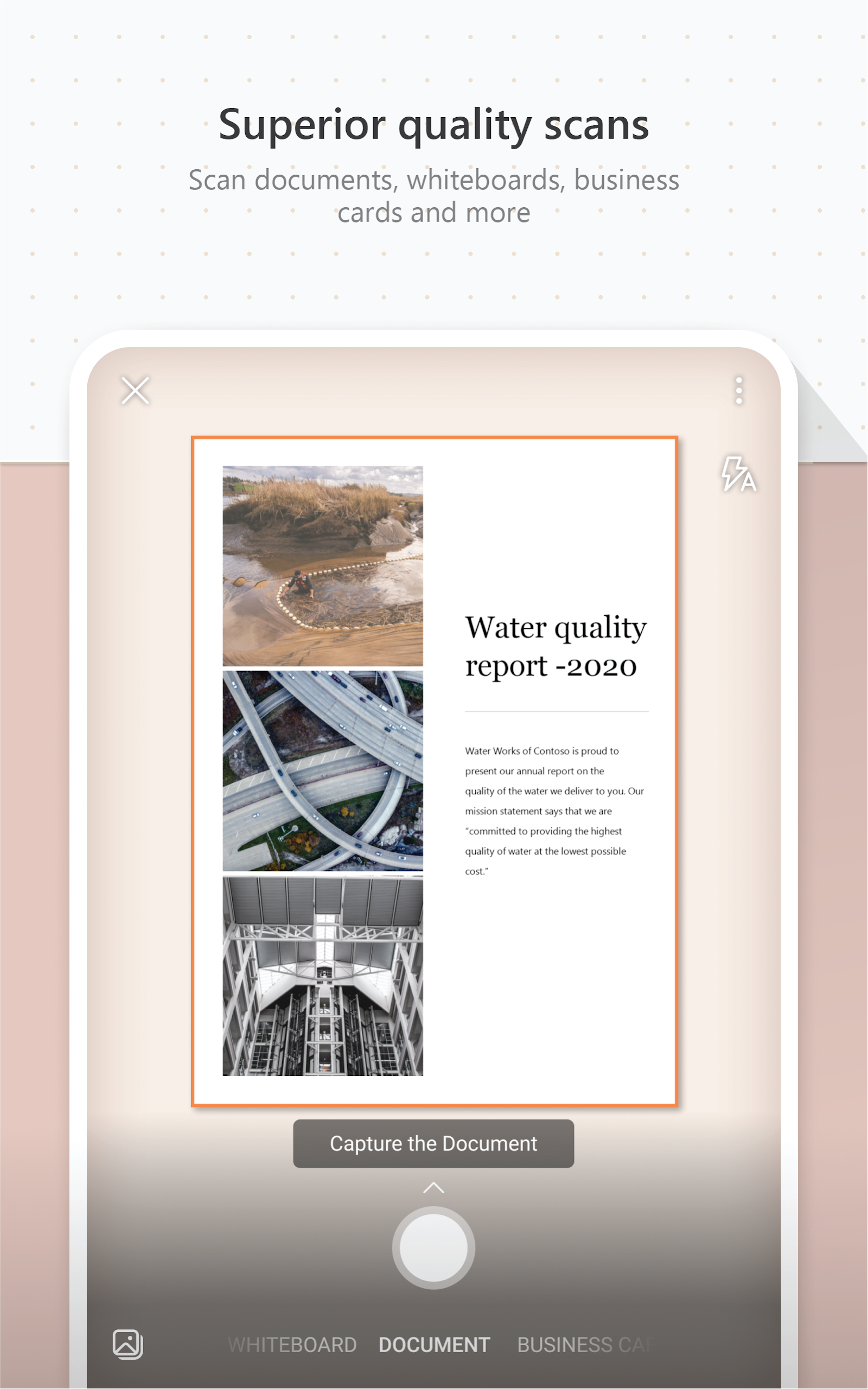
* Choose the appropriate capture mode: Select Whiteboard, Document, Business Card, or Photo mode depending on what you want to capture.
* Take a clear photo: Ensure the orange frame outlines the item you want to capture and adjust the camera settings as needed.
* Use VoiceOver feature for guidance: People with visual impairments can use this feature for real-time voice guidance in Microsoft Lens.
* Edit captured images: Adjust borders and make any necessary edits before saving the file to ensure it looks exactly as you want.
* Import existing images: Easily import images from your device's photo albums for editing and saving in Microsoft Lens.
* Utilize saving options: Choose the format and location (OneNote, OneDrive, or local device) for saving your scanned files for quick access.
Conclusion:
Microsoft Lens - PDF Scanner offers a seamless way to enhance productivity in the work environment by easily scanning, editing, and saving important documents, notes, and contacts. With flexible saving options and user-friendly features like different capture modes and image editing tools, this app is a must-have for anyone looking to stay organized and efficient in their daily tasks. Download Microsoft Lens now to experience the convenience and efficiency it brings to your workflow.
- No virus
- No advertising
- User protection
Information
- File size: 66.50 M
- Language: English
- Latest Version: 16.0.19426.20004
- Requirements: Android
- Votes: 304
- Package ID: com.microsoft.office.officelens
Screenshots

-
1

WhatsApp Business Mod
Download -
2

ChatOn – AI Chat Bot Assistant Mod
Download -
3

4English - Learn English Daily Mod
Download -
4

Any.do - To do list & Calendar Mod
Download -
5

Habitify: Daily Habit Tracker Mod
Download -
6

ANDI - Ai Search Engine
Download -
7

GitMind: AI Mind Map, Chatbot
Download -
8

ELSA AI Learn & Speak English
Download







Explore More
Explore the Latest Free Downloads of Top Photo Apps in 2024, Featuring Multi-Dimensional App Rankings and Recommendations for the Best Photo Applications. All apps are virus-free, safe and secure for your peace of mind.

Chennai Super Kings

Fruits and Vegetables for Kids

TriviaMaker

HTC Net

Prophecology

PearDrop

Cultura y Turismo Qro

Remote Control for TV