Introduction
Color by Number is a relaxing pixel-art coloring app that helps users unwind by filling numbered tiles to reveal detailed pictures. Color by Number presents a straightforward, low-pressure creative experience: choose from a broad library of themed pixel designs, import photos from your gallery or camera to transform into color-by-number puzzles, and save or share completed work. The interface is designed to be approachable for newcomers while still offering enough variety to keep repeat sessions enjoyable.
Key features
Color by Number combines simple mechanics with practical tools to streamline coloring. The app includes an organized library of themed images ranging from animals and landscapes to cultural motifs and decorative patterns. Multiple painting tools speed up the process—single-tap fills, drag-to-paint options and region-fill functions help complete areas efficiently. Import tools let you convert personal photos into numbered pixel templates so you can re-create memories in a stylized mosaic format. Finished pieces can be exported or shared to other apps, and the app keeps a local gallery of your projects for easy access.
Gameplay mechanics and controls
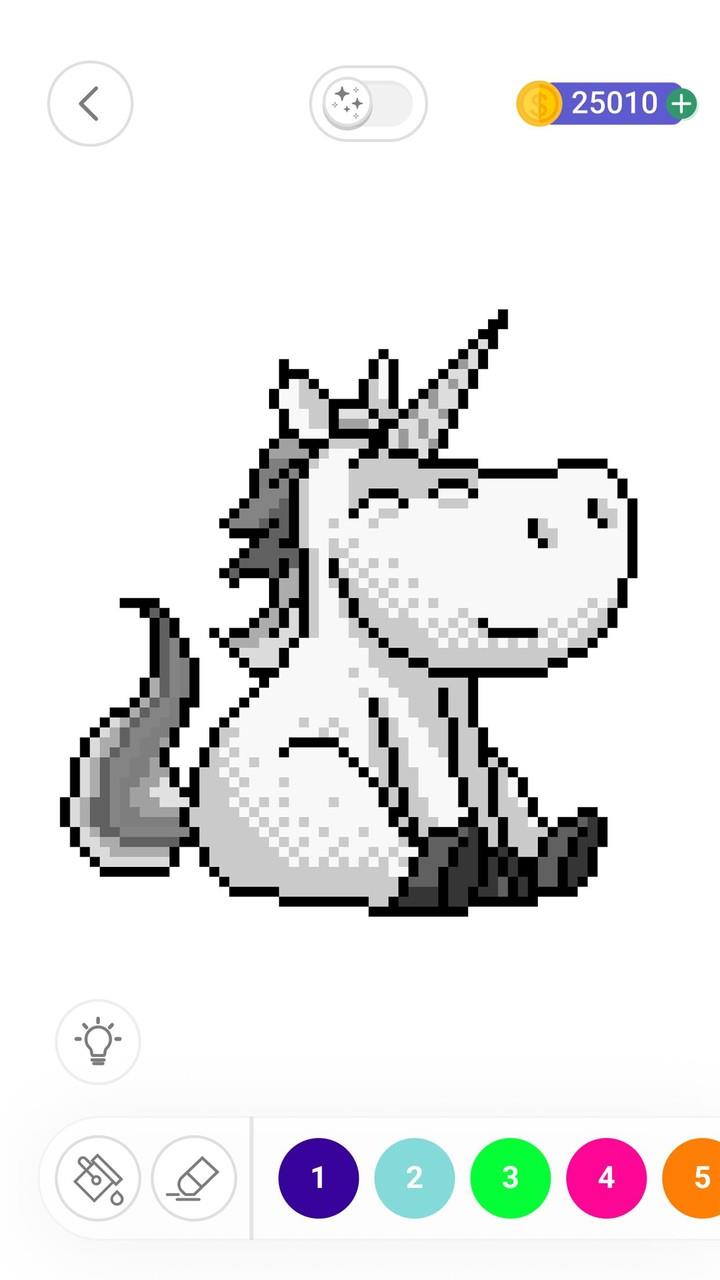
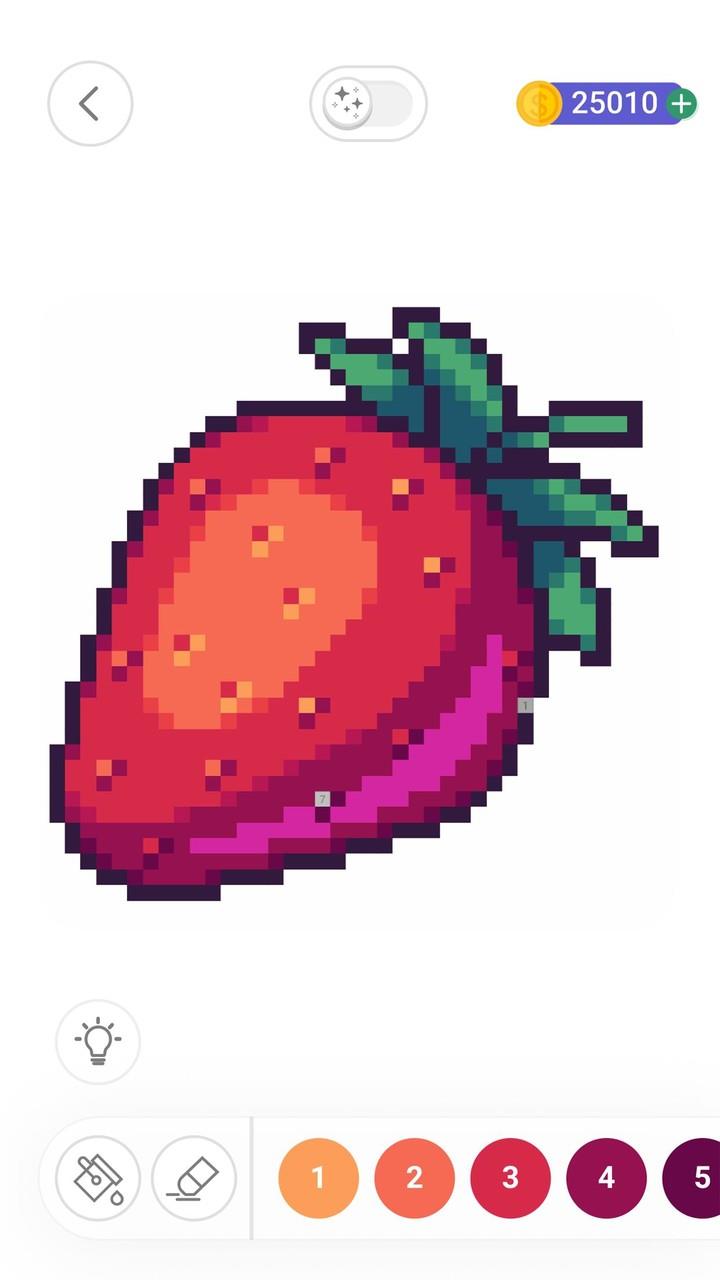
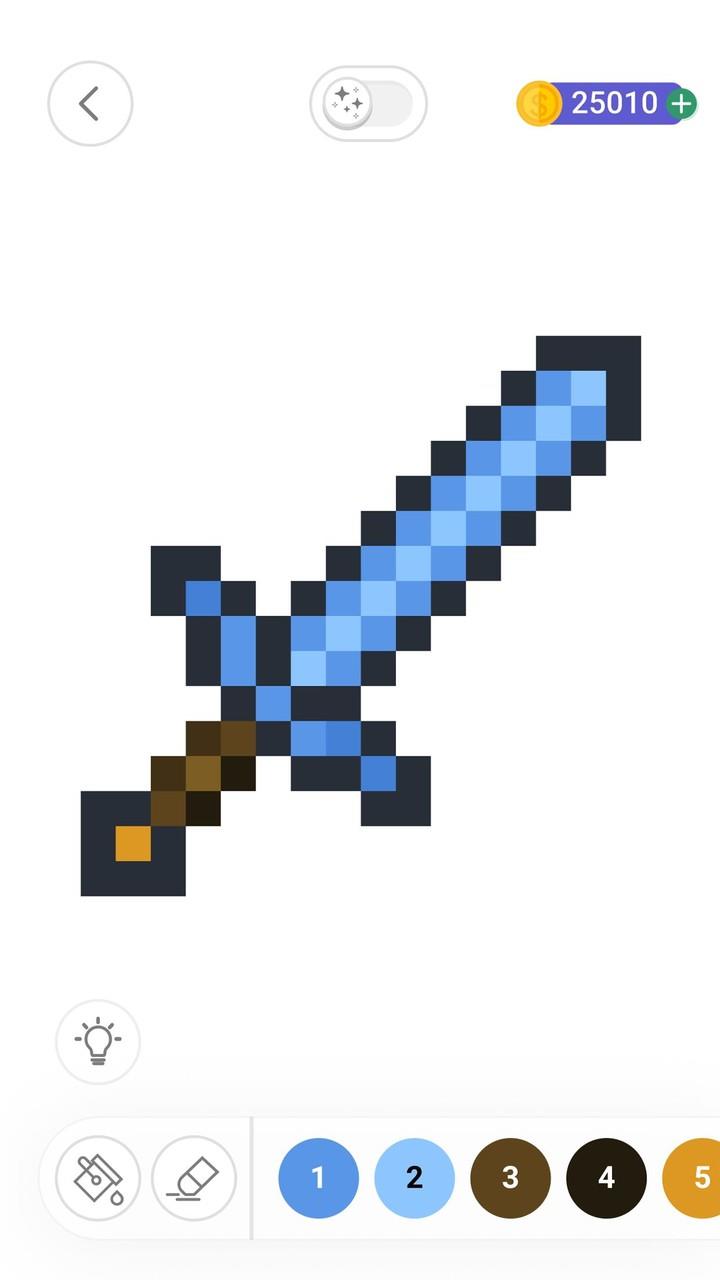
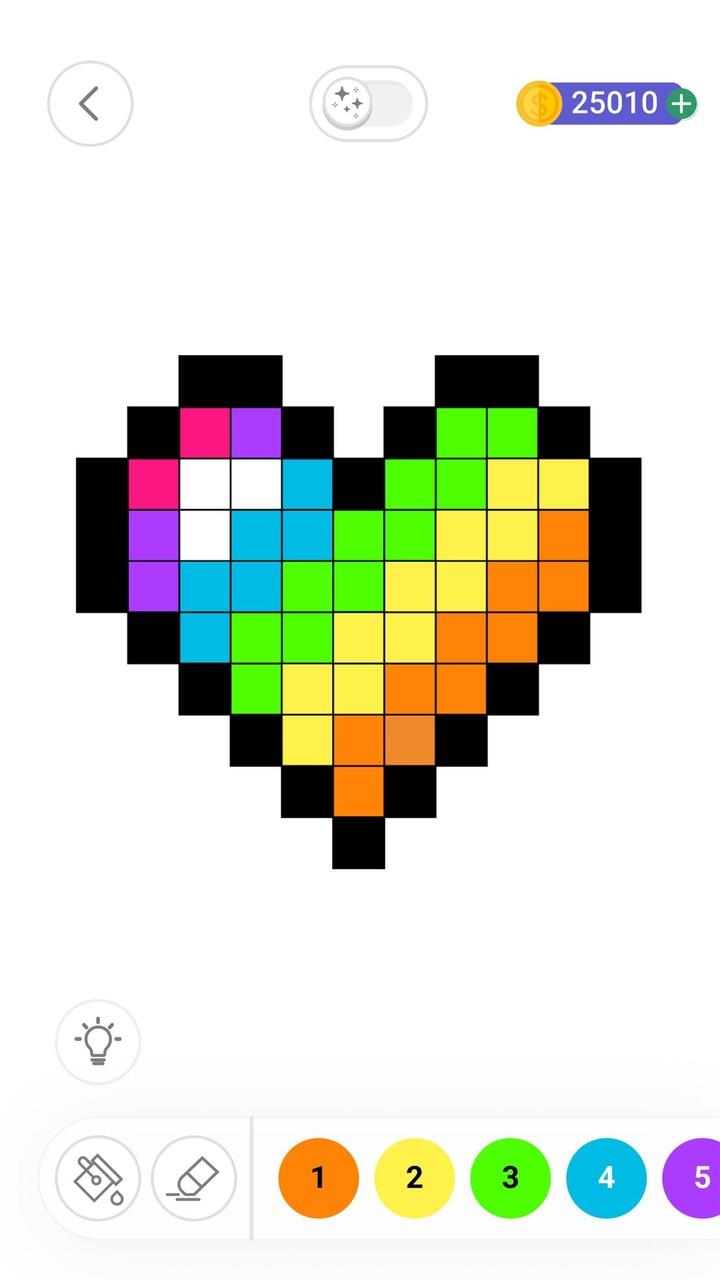
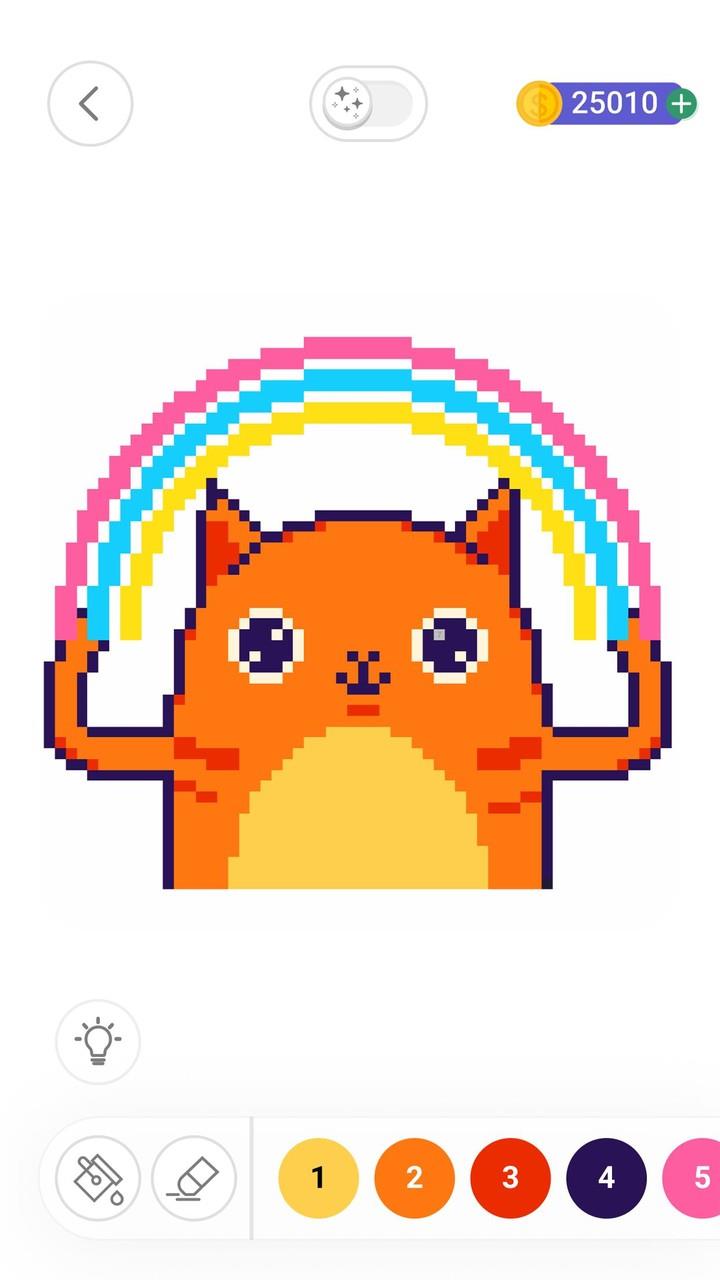
The core gameplay in Color by Number is intentionally simple: each tile shows a small number that corresponds to a color palette. Tap a color and then tap tiles with that number to apply it; for broader strokes you can drag or use the fill tool to cover contiguous areas quickly. Standard touch gestures work as expected—pinch to zoom for fine detail, double-tap to fit the image to screen, and swipe to pan around larger canvases. These controls make it straightforward to work on both small, quick images and large, intricate mosaics.
Progression and level structure
Images in Color by Number are arranged by theme and by complexity, so you can pick quick, low-detail puzzles when you have a few minutes or select more detailed art for longer sessions. Difficulty tends to increase with tile count and the subtlety of shading in the picture rather than artificial level gating; this natural progression allows players to develop patience and precision as they move to larger compositions. The app also groups images into collections to help you explore particular subjects or artistic styles.
Visual style and customization
The app emphasizes clean pixel-art aesthetics with palettes chosen to reproduce visual depth within the constraints of numbered tiles. Many designs use shading and carefully selected color gradients to create strong, readable images even at low resolutions. Customization options include adjusting zoom and grid visibility, switching between compact and expanded palettes, and importing photos that are converted into simplified color-by-number templates you can edit before coloring. These options let you balance fidelity and playability depending on device size and personal preference.
Community, sharing and export
Sharing is straightforward: Color by Number supports exporting finished images to your device or to other apps so you can post them to social platforms or save them for printing. The app also encourages a creative exchange by offering ways to view and take inspiration from other users’ public creations within the app’s gallery. Sharing features are implemented simply and focus on completed artwork and inspirational browsing rather than competitive systems.
Accessibility, offline use and performance
The design favors readability and ease of use: numbers are large and contrast with background tiles to aid users with limited vision, while pinch-zoom and adjustable grid settings help with precision. The core coloring functionality works without a persistent internet connection, so you can complete images offline and sync or share when connectivity is available. The app is optimized for smooth performance on a range of devices, prioritizing responsive touch input and fast tile updates during painting.
Replay value and challenge options
Replay value derives from the variety of available images and the option to convert personal photos into new puzzles, so there is always fresh content to explore. For players seeking more challenge, larger and more detailed images require patience and focus, and careful shading decisions add a mild puzzle element to color selection. The mix of quick, relaxing images and time-consuming mosaics provides flexible play sessions suited to different moods and schedules.
Advantages and limitations
Advantages: Color by Number offers accessible mechanics that are easy to learn, a diverse library of themed pixel art, and personalization through photo imports and exportable results. It is suitable for short relaxation breaks or longer, methodical coloring sessions. Limitations: the pixel-by-number format naturally restricts freehand creativity for those who prefer drawing from scratch, and very large or highly detailed images can take substantial time to finish. The experience centers on calm, low-stress coloring rather than competitive or complex gameplay systems.
- No virus
- No advertising
- User protection
Information
- File size: 61.36 M
- Language: English
- Latest Version: 3.28.2
- Requirements: Android
- Votes: 485
- Package ID: com.tfgco.apps.coloring.free.color.by.number
- Developer: Fun Games For Free
Screenshots











Explore More
In today's world, almost everyone owns a smartphone, making gaming incredibly convenient. Certain mobile games are crafted with numerous progressively challenging levels, which appeal to many players. Here, we've curated a selection of the latest mobile games featuring challenging levels, perfect for enjoying with friends.

ISRO : Skyroads

Real Drift Car Racing Games

Blanc Clicker: Bunnies and Reindeers

趣猜歌-歌曲问答 听歌猜歌名 歌手

Bubble Pop: Wild Rescue
Chess of the Shadows (demo)

The Genesis Order Demo

Dungeon Spire: Roguelike Co-op