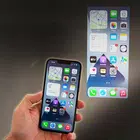
Video Projector Flashligt wall
Category: Puzzle Date:2026-04-11
Rating: 4.1
Introduction
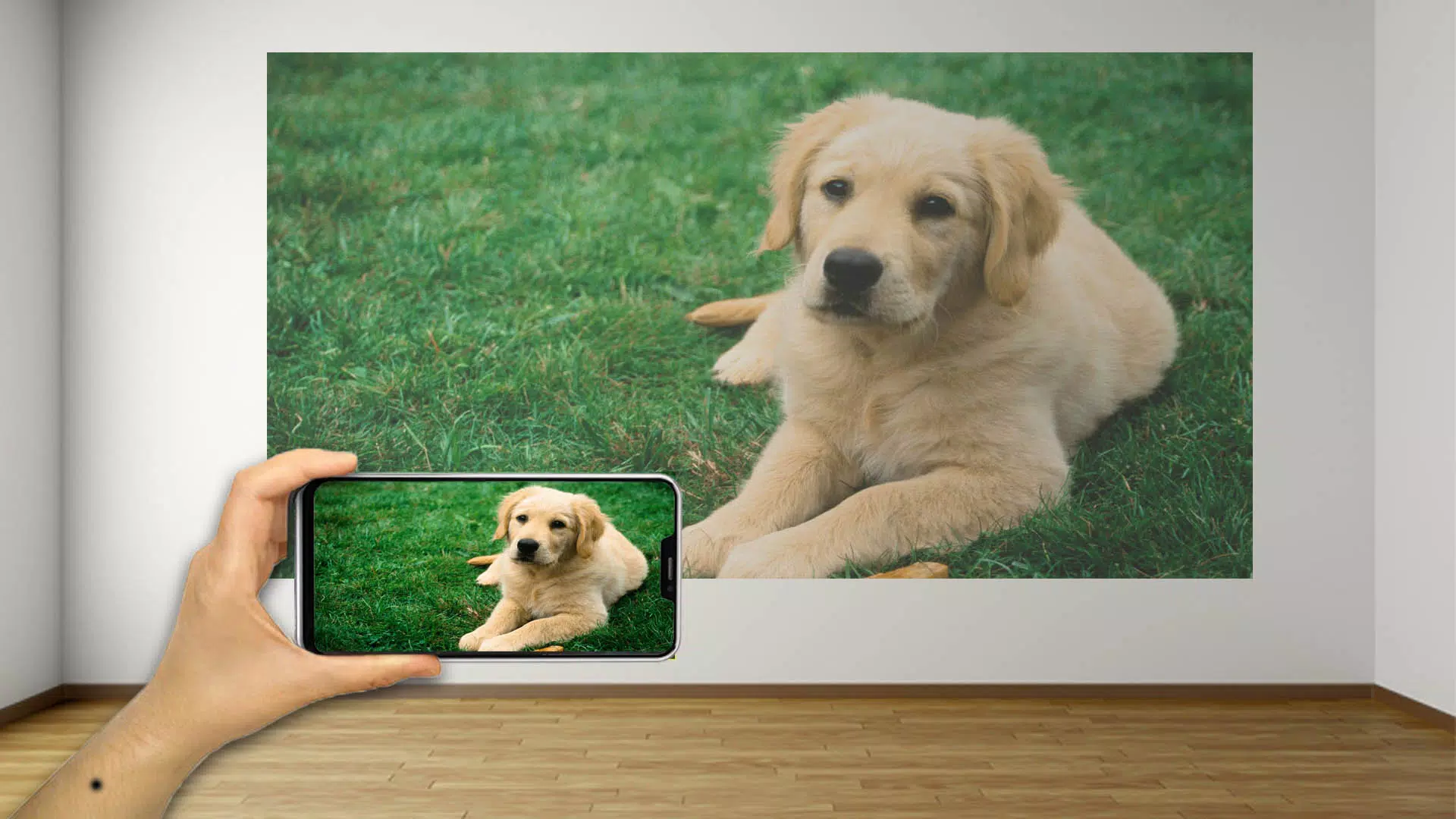
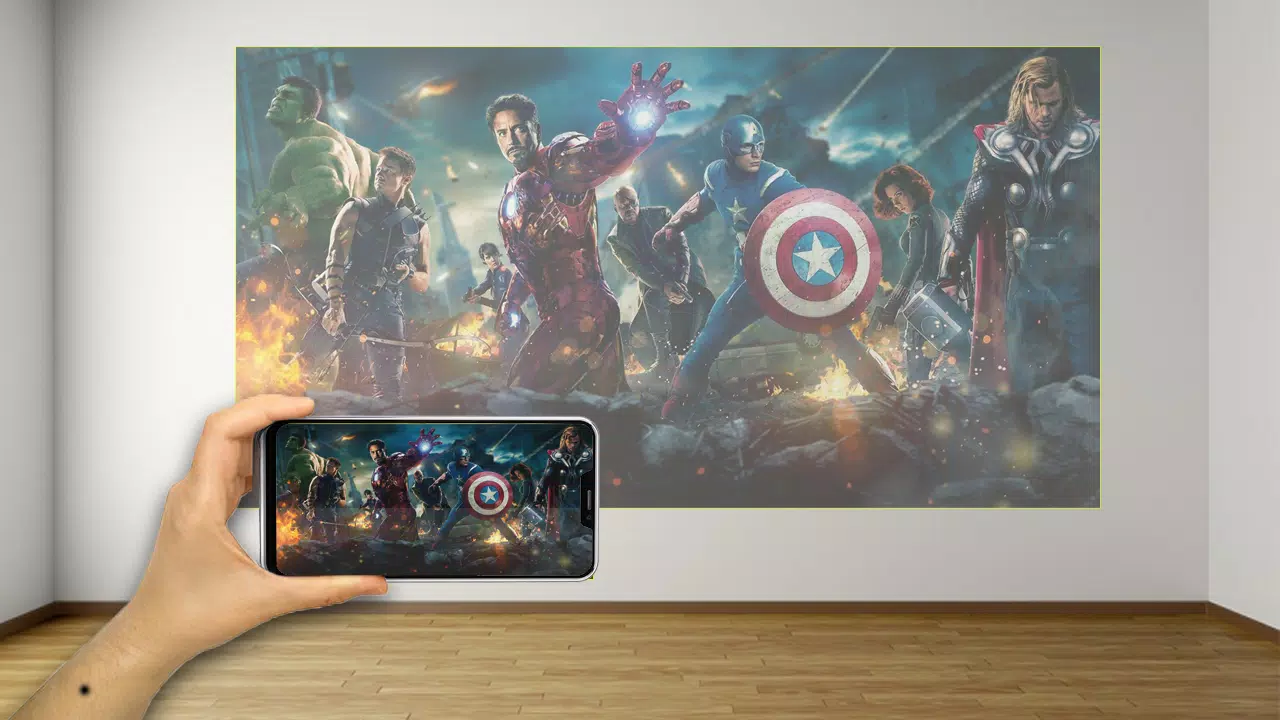
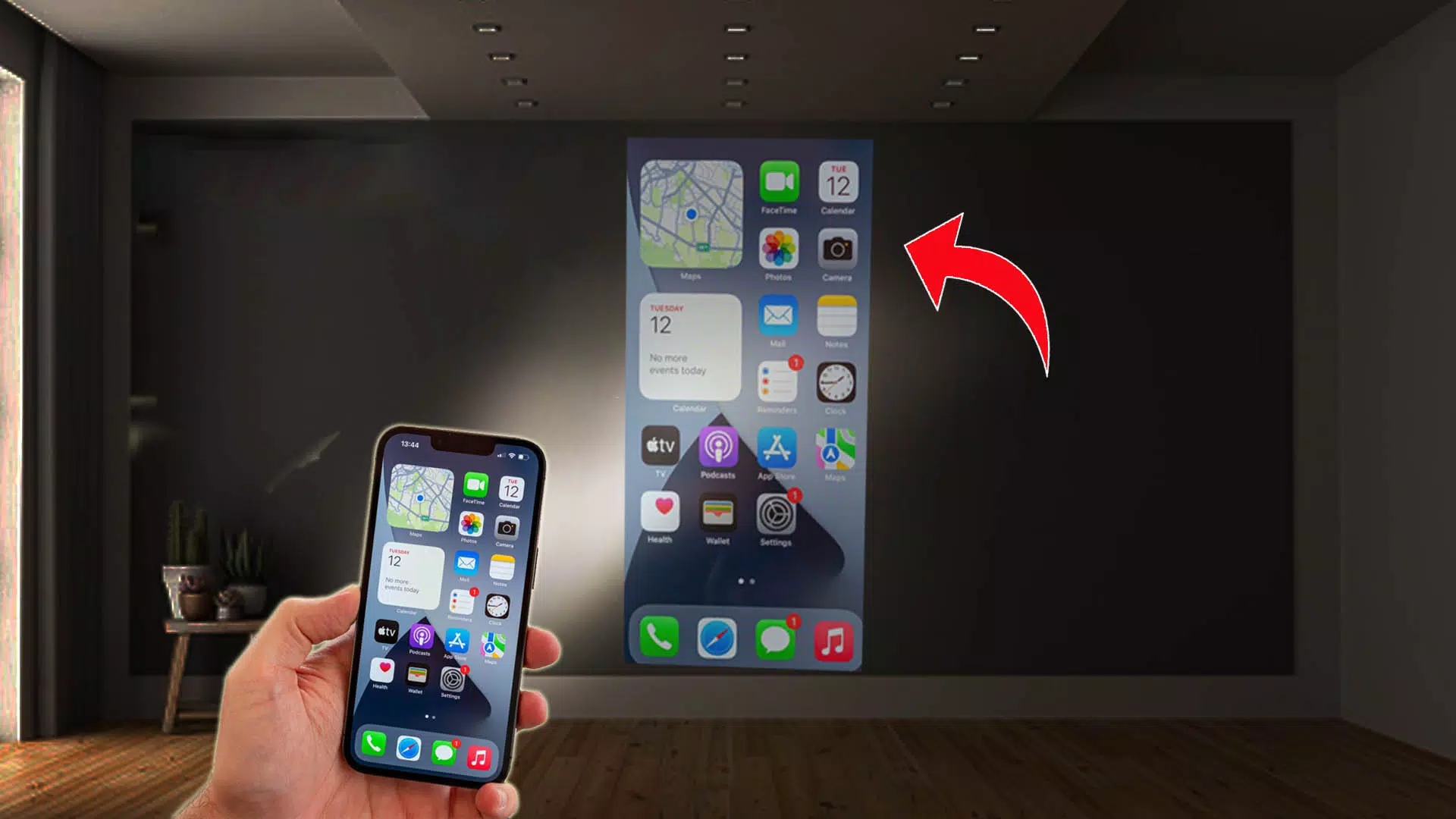
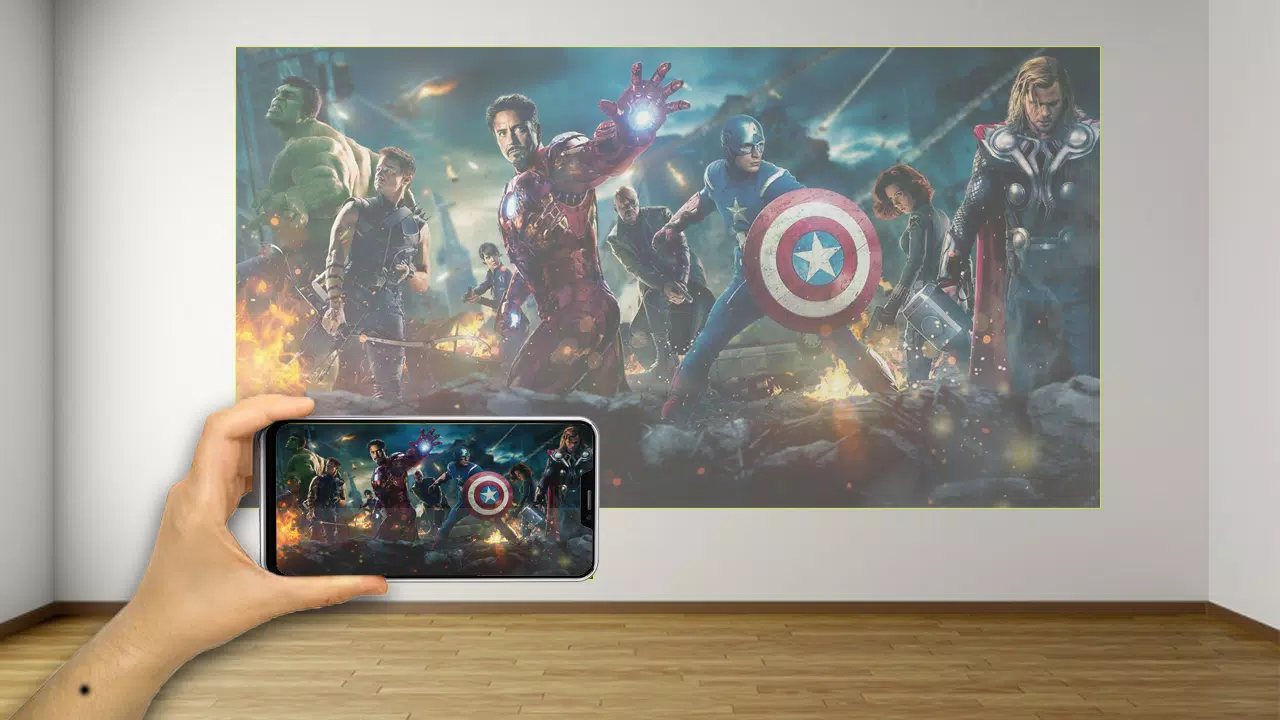
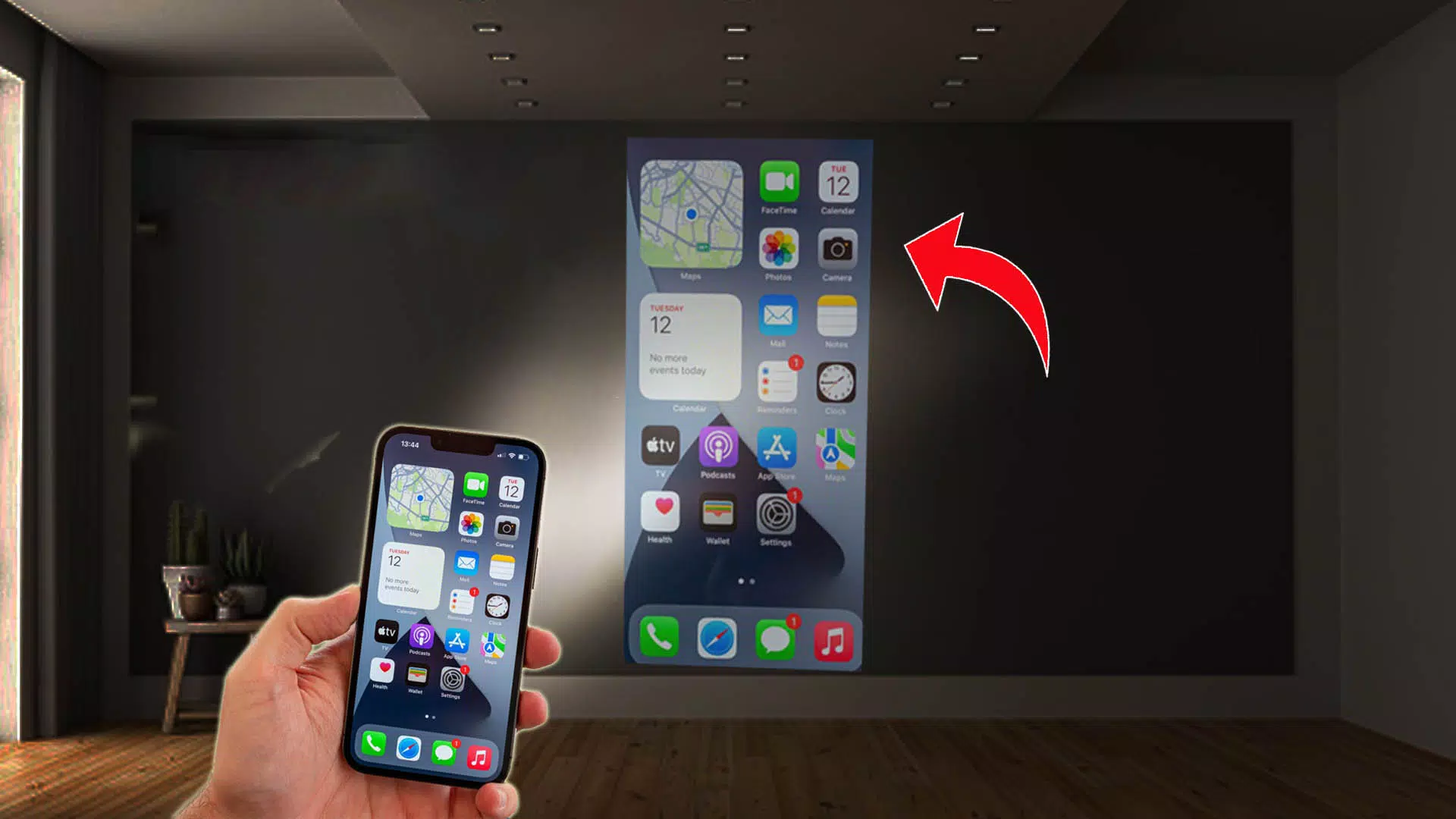
Video Projector Flashligt wall transforms your device into a projector-style visual simulator and a practical torch, offering screen-based projection effects, adjustable brightness, color filters and a simple flashlight with SOS and strobe options while remaining easy to use on a wide range of devices.
Features
Video Projector Flashligt wall provides projector-style visuals with adjustable frame, lens and filter-like overlays, a flashlight mode that uses the device torch or the screen for steady light, strobe and SOS functions, video playback that applies projector-style overlays to local files, and brightness plus color controls to match ambient conditions. The app also includes low battery and performance options to reduce power consumption.
How to use
Open Video Projector Flashligt wall and grant any requested permissions for torch or storage access when prompted. Select a mode such as projector-style screen, torch, strobe or SOS and adjust brightness and color to suit your setting. To play a video, choose a local file and enable overlays or filters as needed, and use the performance options to conserve battery when required.
Support and privacy
The app requests only necessary permissions and runs on many devices. If you have questions or encounter issues, check the in-app help or contact support through the store listing.
- No virus
- No advertising
- User protection
Information
- File size: 20.80 M
- Language: English
- Latest Version: 1
- Requirements: Android
- Votes: 103
- Package ID: agq.video.projector.flashlightt.wal
- Developer: STPR App Infotech
Screenshots